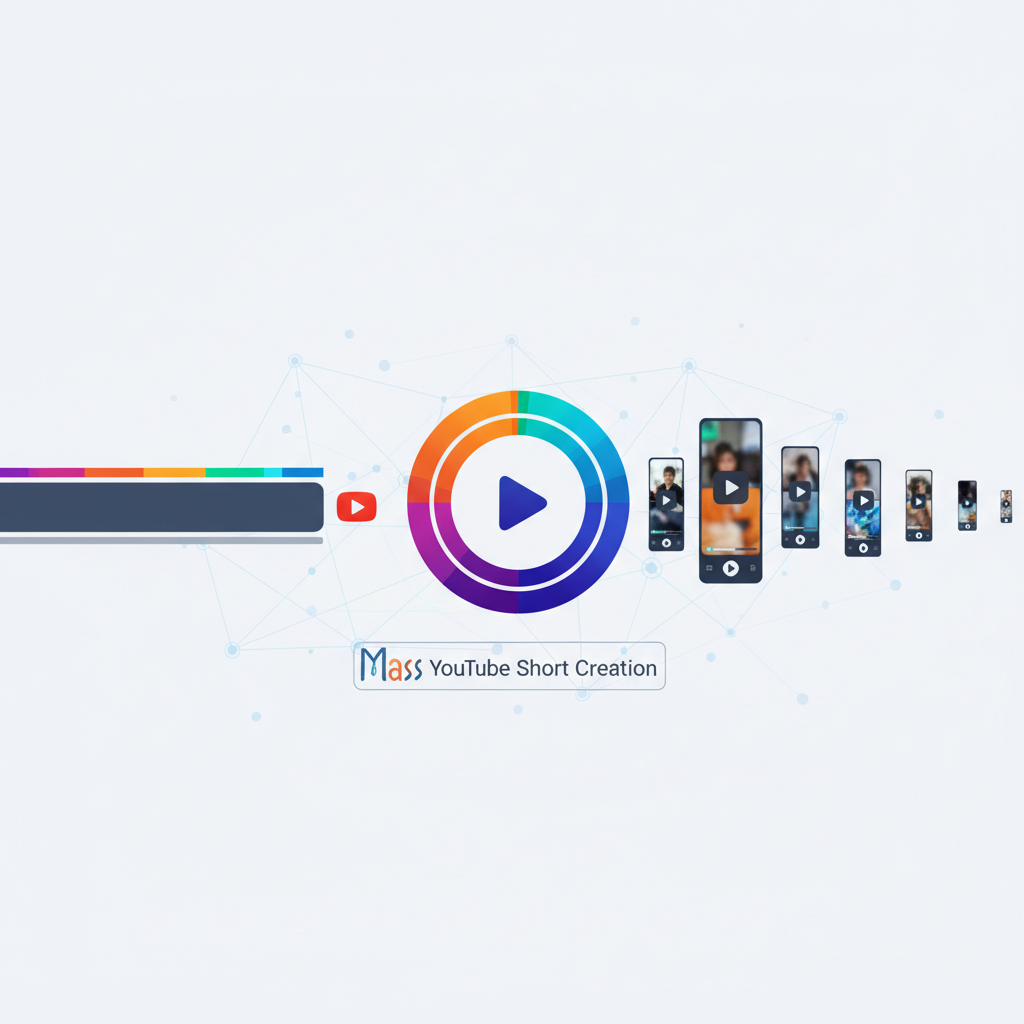
If you're new to the world of YouTube content creation, you might be wondering how to create YouTube Shorts from long videos for beginners. The rise of short-form content has been meteoric, with YouTube Shorts capturing billions of views daily. For beginners, transforming existing long videos into Shorts can seem daunting. But with the right strategies, you can tap into this vibrant audience and significantly boost your channel's growth. This guide will walk you through the essentials, making it easy for anyone to repurpose their content effectively.
Understanding the Power of YouTube Shorts
YouTube Shorts represent a phenomenal shift in how audiences consume video content. With the platform's emphasis on short-form video, creators are discovering unprecedented opportunities to reach wider audiences quickly. Imagine this: a viewer stumbles upon your engaging Short, gets hooked, and then explores your channel's longer content. This is the potential of Shorts—serving as a gateway to more comprehensive material.
The statistics are compelling. Reports indicate that Shorts receive over 6.5 billion views globally each day. This level of exposure is a dream for many content creators, especially beginners who are still finding their footing. The beauty of Shorts lies in their brevity and accessibility. They cater to the modern viewer's short attention span while acting as a teaser for your deeper content.
For beginners, this is invaluable because it allows you to showcase your creativity and drive engagement without the steep learning curve typically associated with video production. By focusing on the repurposing of existing content, you not only save time but also maximise the value of every video you create. This strategy is especially beneficial if you already have a library of long-form content that audiences may not have fully explored.
Step-by-Step Guide to Creating YouTube Shorts from Long Videos
To embark on creating Shorts, start by selecting the most engaging parts of your existing videos. Look for segments that hold a complete thought or an exciting moment. This might include a particularly funny joke, a quick tip, or a dramatic reveal. The goal is to hook the viewer quickly and leave them wanting more.
Next, use an editing tool—like Adobe Premiere Pro or even free tools like Canva or Kapwing—to trim and enhance these segments. These platforms offer intuitive tools that allow you to condense your content effectively. Focus on keeping the video under 60 seconds, which is the maximum length for a YouTube Short. Shorter, around 15-30 seconds, often perform even better as they cater to quicker consumption habits.
Ensure that each Short is self-contained, offering value or entertainment solely within its brief runtime. This approach not only captivates your audience but also compels them to explore more of your content. For example, if you run a cooking channel, a Short showing a quick look at a delicious finished dish might entice viewers to watch the full recipe video.
Also, remember to incorporate engaging captions or overlays that highlight key points for viewers who might be watching without sound. Given that a significant portion of viewers consume video content on mute, captions are critical for maintaining engagement and ensuring your message is conveyed effectively.
Tools and Techniques for Optimizing Your Shorts
Optimization is key when it comes to ensuring your Shorts reach a broad audience. Start by using eye-catching thumbnails and titles that spark curiosity. An intriguing title can make the difference between a new viewer clicking on your Short or scrolling past it. Consider A/B testing different thumbnails to see which style resonates most with your audience.
Leverage YouTube's built-in analytics to identify which types of content resonate most with your audience, then tailor your Shorts to fit these interests. For example, if data shows that your audience enjoys technical tutorials, focus your Shorts on quick tips or hacks related to that theme.
Consider using trending music and sounds, as these can increase your video's discoverability. YouTube Shorts allows you to incorporate music from their library, making it easy to tap into popular trends. This feature can help your content appear in more searches, drawing in viewers who are following those trends.
Tools like TubeBuddy or VidIQ can offer insights into trending tags and keywords that can further enhance your video’s reach. These platforms provide valuable data about what’s currently popular on YouTube and can help you craft content that aligns with these trends.
Finally, ensure you post regularly and at times when your audience is most active, thereby increasing the likelihood of your content being viewed and shared. Posting consistently not only keeps your channel active but also builds anticipation among your followers for your latest creations.
Common Mistakes Beginners Make with YouTube Shorts
Avoiding common pitfalls is crucial for success. Many beginners overlook the importance of a strong narrative within their Shorts. Remember, each Short needs a clear beginning, middle, and end, even if it's just 15 seconds long. This structure helps in maintaining viewer engagement throughout the duration of the video.
Another mistake is neglecting the video's quality; pixelated or poorly edited content can turn viewers away. Even if your content is compelling, poor visual or audio quality can distract and frustrate viewers, leading them to click away from your channel altogether.
Additionally, failing to engage with your audience through comments can result in lost opportunities for building a loyal community. Engaging with viewers by responding to comments or even featuring user-generated content in future Shorts can foster a sense of community and loyalty to your channel.
It’s also crucial to not over-stuff your Shorts with too many messages at once; focus on a single idea or story per Short to keep it concise and impactful. Trying to convey too much can overwhelm your audience and dilute the impact of your message.
Advanced Tips for Scaling Your YouTube Shorts Strategy
Once you’ve mastered the basics, consider scaling up your strategy by involving collaborations. Partner with other creators or influencers to cross-promote content, which can exponentially increase your reach. Collaborations can introduce your channel to new audiences who may be interested in your content.
Experiment with series formats—creating Shorts that build on each other can keep viewers coming back for more. For instance, a series on 'Tech Tips for Beginners' can create anticipation for the next installment, increasing viewer retention and engagement.
Moreover, actively incorporate viewer feedback and analytics to refine your approach continually. By doing so, you'll not only enhance your content but also align it more closely with your audience's preferences. Regularly reviewing analytics can reveal what’s working and what needs adjustment, allowing you to iterate and improve your content strategy.
This strategic approach not only boosts your channel's visibility but also solidifies your position as a content creator attuned to current trends. As you refine your process, you can establish a strong niche presence, becoming a go-to source for the type of content you produce.
What are YouTube Shorts?
YouTube Shorts are short-form videos up to 60 seconds in length. They are designed to be easily consumed on mobile devices, offering quick yet engaging content snippets that can attract a broad audience. The rise of TikTok and similar platforms has shown the immense popularity and potential of this content format, leading YouTube to provide a competitive alternative.
How can YouTube Shorts benefit my channel?
YouTube Shorts can significantly increase your channel's visibility. As they are prominently featured on the platform, they can attract new viewers who may then explore your longer content, boosting overall engagement and subscriber numbers. Shorts are displayed on a new tab on mobile and are integrated into the main YouTube app, giving them a unique advantage in reaching viewers.
What tools do I need to create Shorts?
You can create Shorts using various editing tools like Adobe Premiere Pro, Canva, or Kapwing. These tools help you trim your long videos to the appropriate length and enhance them with text overlays, music, and other engaging elements. Canva and Kapwing are user-friendly options that offer free access to essential features, making them perfect for beginners.
How often should I post YouTube Shorts?
Posting regularly is key to maintaining visibility and engagement. Aim to upload Shorts at least a few times a week, ensuring they align with your overall content strategy and audience preferences. Regular posting helps build your channel's presence and keeps your audience engaged with fresh content.