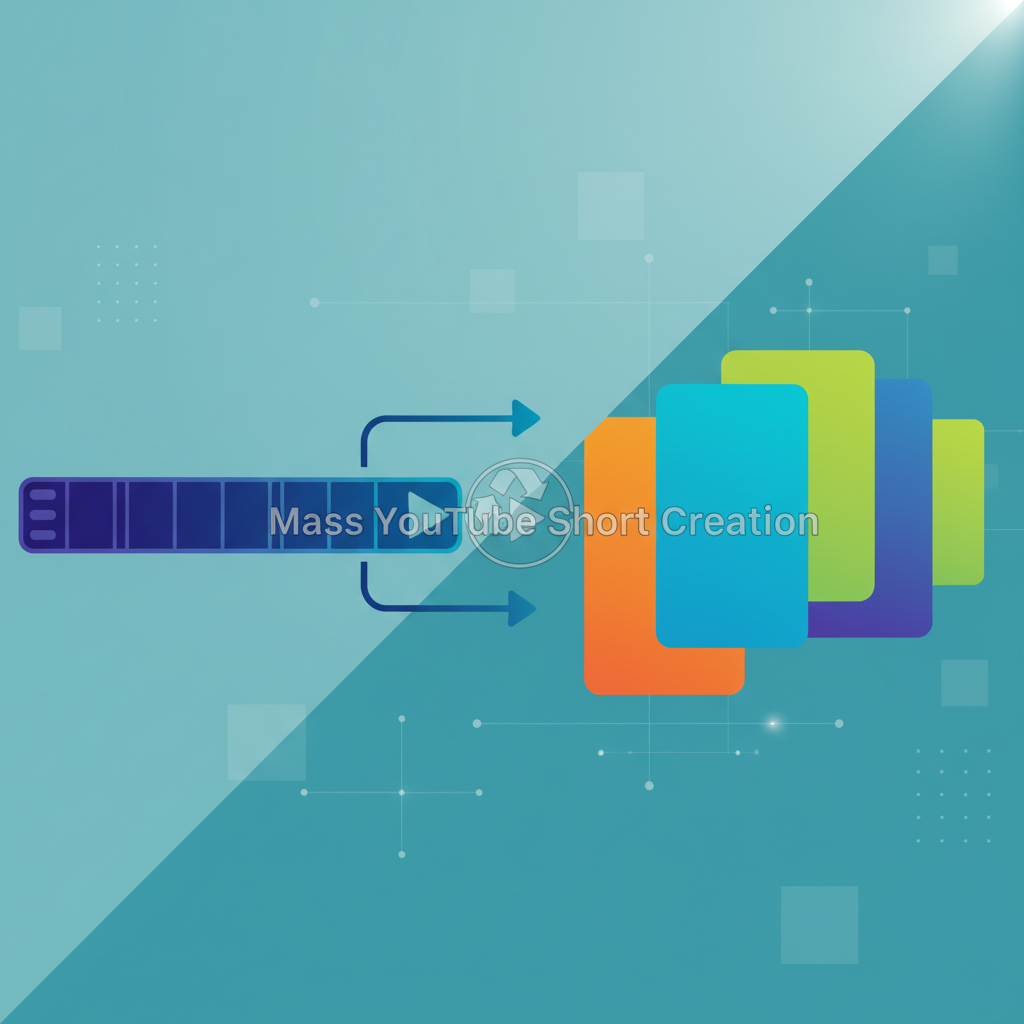
Creating engaging content on YouTube is no longer just about producing lengthy, detailed videos. As the digital landscape evolves, so do viewer preferences. Over a billion YouTube Shorts are watched every day, highlighting a massive opportunity for content creators to reach new audiences. But the pressing question remains: how can you make the most of your existing long-form videos? By focusing on effective methods to repurpose long videos into YouTube Shorts, you can breathe new life into your content, capture the attention of a broader audience, and boost your engagement rates.
Understanding the Power of YouTube Shorts
Before diving into the methods, it's crucial to understand why YouTube Shorts matter. These bite-sized pieces of content are designed to deliver quick, engaging experiences that cater to the modern viewer's attention span. Unlike traditional long-form videos, Shorts offer creators the chance to experiment with dynamic storytelling and fast-paced visuals. Shorts are an ideal way to capture the essence of your message and deliver it swiftly. For instance, a travel vlogger can take an extensive trip video and condense it into thrilling 60-second snippets, showcasing the highlights. This not only saves editing time but also keeps viewers engaged. The success of Shorts lies in their ability to rapidly deliver value, making them an essential component of a robust content strategy.
To put it into perspective, consider the meteoric rise of TikTok — a platform built entirely on short-form content. YouTube recognized this trend and responded with Shorts, which now serve as a gateway for creators to tap into a vast pool of potential subscribers who prefer quick consumption. This shift isn’t merely an adaptation; it's a strategic move to capture the fleeting attention spans of today's digital natives. The simplicity and accessibility of Shorts make them a low-barrier entry point for new viewers, who might then be drawn to explore longer content. Thus, Shorts act as both a standalone attraction and an appetizer for more comprehensive offerings.
Step-by-Step Guide to Repurposing Long Videos Into Shorts
The first step in repurposing your content is to identify key segments in your long-form videos that can stand alone as Shorts. Start by watching your videos and noting down moments that are visually striking or contain compelling narratives. Pay attention to sections where the story peaks, unexpected moments occur, or high-value insights are shared. These are the golden nuggets that can shine as standalone pieces.
Once identified, use video editing software to extract these segments. Tools like Adobe Premiere Pro or even simpler ones like Canva can be very effective. With Premiere Pro, for example, you can employ features like “Ripple Edit,” which allows you to trim clips efficiently without altering the timeline. Trim the selected clips to fit within the 60-second limit. Ensure they remain cohesive and engaging by maintaining the context that makes them powerful. Incorporate captions or text overlays to highlight the key message. Captions not only aid understanding but also increase accessibility for viewers watching without sound, a common practice on mobile devices.
Additionally, consider adding a brief intro or outro, even if just a few seconds, to introduce the content's theme and encourage action. This approach not only saves you time but also ensures that your Shorts are tailored to capture viewer attention quickly. Remember, the goal is to intrigue and inform in a flash, enticing viewers to delve deeper into your other content.
Leveraging Tools and Technology for Content Transformation
In today’s fast-paced digital world, efficiency is key. Leverage tools and technology to streamline the process of transforming long videos into Shorts. AI-driven platforms can automate parts of this process, allowing for quicker turnarounds. For example, using AI tools to transcribe your video content can help in creating captions quickly. Descript is one such tool that offers transcription services and integrates well with video editing.
Additionally, software like Lumen5 can automatically detect key points in your videos and suggest ways to convert them into engaging shorts. It uses AI to highlight sections that resonate most with viewers based on past engagement data. By integrating technology, you not only save time but also enhance the quality of your content, ensuring your Shorts are as impactful as possible. Moreover, platforms like TubeBuddy offer insights into video performance and can help identify segments that already have high engagement rates, making them prime candidates for Shorts.
Efficiency doesn’t just stop at creation — it extends to distribution. Tools like Buffer or Hootsuite can help manage posting schedules, ensuring that your Shorts reach the audience at optimal times. For more insights on using AI in content creation, check out our post on how to automate blog content creation using AI tools. By embracing these technologies, you can focus more on creativity and less on the grind of production.
Common Pitfalls to Avoid When Creating YouTube Shorts
While creating Shorts, many creators fall into common traps that can hinder their content's effectiveness. One major mistake is overloading the short with too much information, causing viewer confusion. It's important to keep the content simple and focused on a single message. This not only helps in maintaining clarity but also makes the content more memorable.
Another mistake is neglecting the importance of the thumbnail. A compelling thumbnail can significantly boost your video’s click-through rate. Think of it as the cover of a book; it’s the first impression and can fundamentally sway a viewer's decision to click. Design thumbnails that are visually arresting and convey the essence of the video in an instant. Use contrasting colors and bold fonts to make the thumbnail pop amidst other content.
Additionally, some creators forget to include a call to action (CTA), which can engage viewers further and direct them to your longer content. CTAs should be clear and inviting, such as “Watch the full video” or “Subscribe for more travel tips.” Avoid these pitfalls by maintaining clarity, investing time in thumbnail design, and always including a CTA to guide your audience. By sidestepping these common errors, you can significantly enhance viewer engagement and retention.
Advanced Tips for Scaling Your YouTube Shorts Strategy
To truly capitalize on YouTube Shorts, consider advanced strategies to scale your content. Consistency is key; maintain a regular posting schedule to build a loyal audience base. The algorithm favors creators who post frequently, so aim for at least a few Shorts a week. This regularity keeps your channel active and your audience engaged.
Collaborate with other creators to cross-promote content and extend your reach. Joint ventures can introduce your content to new viewer bases. For example, a food blogger might collaborate with a travel vlogger to create a series on international cuisines. Utilize YouTube analytics to understand viewer behavior and tweak your strategy accordingly. Analytics provide insights into how viewers interact with your content, which segments they watch the most, and when they drop off. Use this data to optimize future Shorts.
Additionally, experiment with different styles and formats to see what resonates most with your audience. Maybe your audience prefers humorous takes over serious ones, or perhaps they engage more with educational content. As you grow, think about integrating monetization strategies to turn your Shorts into a profitable venture. Explore partnerships with brands that align with your content and audience. For creators looking to further capitalize on video content, our guide on boosting video sales conversion rates effectively offers valuable insights.
What are YouTube Shorts?
YouTube Shorts are short, vertical videos that last up to 60 seconds. They're designed to provide quick, engaging content for viewers with shorter attention spans, making them a powerful tool for reaching new audiences.
How can I make my Shorts more engaging?
To make your Shorts more engaging, focus on creating visually striking content with a clear narrative. Incorporate captions, utilize fast-paced editing, and always include a compelling call to action to encourage viewer interaction.
What tools are best for editing YouTube Shorts?
There are several tools you can use to edit YouTube Shorts, including Adobe Premiere Pro, Canva, and Lumen5. These tools offer features that help in trimming videos, adding text overlays, and enhancing video quality efficiently.
Can YouTube Shorts help grow my channel?
Yes, YouTube Shorts can significantly increase your channel's visibility and subscriber count. By tapping into a broader audience segment, Shorts can drive more traffic to your channel and boost engagement with your longer content.