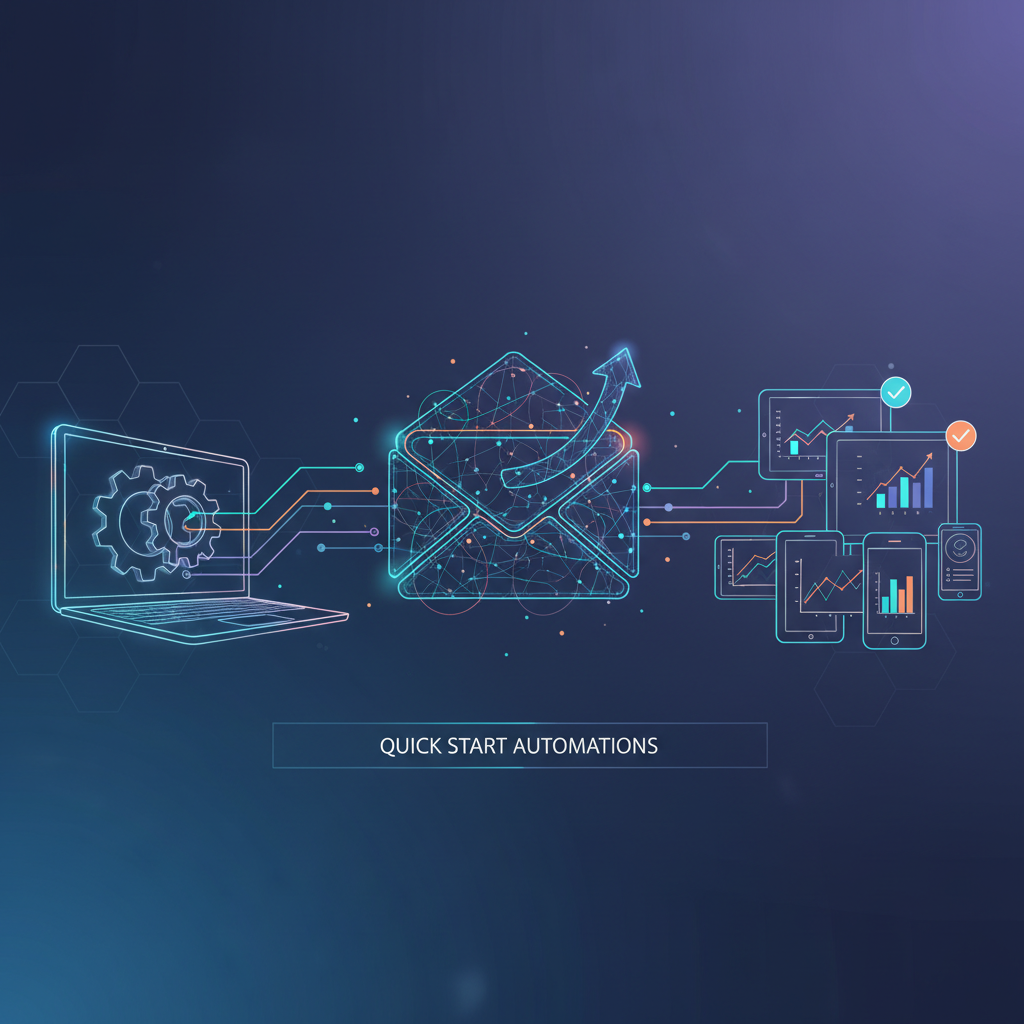
In today's fast-paced business world, email remains a cornerstone of communication. Yet, managing emails can become an overwhelming task if not handled properly. Many business owners and managers find themselves buried under an endless sea of emails, stalling productivity and progress. The good news is, there's a way out. Learn how to automate business emails efficiently and regain control of your time and resources. By implementing strategic email automation, you can reduce manual errors, enhance customer engagement, and focus more on strategic business growth.
Understanding Email Automation and Its Importance
Email automation isn't just a buzzword; it's a powerful tool that transforms the way businesses communicate. At its core, email automation involves using software to send emails based on predefined triggers or schedules. This approach allows businesses to engage with their audience consistently without the manual workload of handling every individual email. Consider a mid-sized company that sends personalized birthday emails to every customer. Manually, this task would take hours of labor, but with automation, it happens seamlessly. This not only saves time but also ensures that no customer is left behind, thereby increasing customer loyalty and retention rates.
Another vital aspect of email automation is its ability to segment audiences and tailor messages to specific groups. For instance, an e-commerce company can automate emails to follow up on abandoned carts, nudging customers towards completing their purchases. According to research, abandoned cart emails have an average open rate of 45% and a conversion rate of 21%, demonstrating the power of targeted, automated communication. By leveraging these strategies, businesses can significantly boost their revenue, all while maintaining a personal touch.
How to Start Automating Your Business Emails
Getting started with email automation is simpler than it may seem. Begin by selecting an email marketing platform that supports automation, such as Mailchimp or ActiveCampaign. These platforms offer user-friendly interfaces and robust automation features. First, map out your email marketing objectives: Are you looking to nurture leads, send transactional emails, or re-engage past customers? Once you have clarity, it's time to create your automation workflows. Start small — perhaps automate a welcome email sequence for new subscribers. Define the triggers, such as a subscriber joining your mailing list, and set your emails to send automatically whenever these triggers occur. This step-by-step approach helps you gradually incorporate automation into your strategy, ensuring you don't overwhelm your team or systems.
To illustrate, let's consider a step-by-step breakdown for setting up a welcome email sequence:
- Select a Platform: Choose an email marketing tool that suits your needs and budget. Platforms like Mailchimp offer free tiers, making them accessible to small businesses.
- Create Templates: Design email templates that reflect your brand. These should be engaging and informative to make a strong first impression.
- Define Triggers: Identify actions that will trigger your emails, such as a new sign-up or a first purchase.
- Structure the Sequence: Decide the number of emails and the interval between them. A typical welcome sequence might include a 'Thank You' email followed by an introduction to your products or services.
- Test and Optimize: Before going live, test your emails to ensure they render correctly across devices. Use A/B testing to determine the most effective subject lines and content.
Advanced Tools and Techniques for Email Automation
Once you've mastered the basics, it's time to explore more advanced email automation strategies. Integrate your email platform with CRM systems for personalized communication. Tools like HubSpot or Salesforce can sync customer data, allowing for highly targeted email campaigns. For instance, a customer who recently purchased a product might receive a follow-up email with product tips or upsell suggestions. Additionally, using AI-driven analytics can optimize your email send times and content based on engagement metrics.
Advanced segmentation techniques involve using customer behavior and purchase history to tailor communications further. For example, if a customer frequently buys outdoor gear, your emails can highlight related products or seasonal promotions. Such personalization significantly increases the likelihood of engagement. Statistics show that segmented email campaigns see a 760% increase in revenue compared to non-segmented campaigns.
Moreover, leveraging machine learning algorithms to predict customer actions can supercharge your automation strategy. Predictive analytics can identify patterns in customer behavior, enabling businesses to send proactive emails, such as replenishment offers before a customer's supply runs out. This not only improves customer satisfaction but also fosters long-term loyalty.
Common Mistakes to Avoid in Email Automation
Despite its potential, email automation is not foolproof. One common mistake is the 'set and forget' mentality. Businesses often set up automation sequences and neglect to monitor or update them. This can lead to outdated content or missed opportunities for engagement. Another pitfall is over-automation, where every minor customer action triggers an email, leading to subscriber fatigue. It's crucial to strike a balance, keeping your emails relevant and valuable. Make sure to regularly review your automation workflows, test different strategies, and stay attuned to your audience's preferences.
To avoid these pitfalls, set up a schedule for reviewing your email automation strategies quarterly. This review process should include checking for expired links, ensuring that your content aligns with current marketing goals, and testing new subject lines to improve open rates. Engaging with your audience through feedback surveys can also provide insights into their preferences, helping you fine-tune your content further.
Scaling Your Email Automation Strategy
As your business grows, so should your email automation strategy. To effectively scale, continuously analyze your automation performance. Track metrics like open rates, click-through rates, and conversion rates. Identify what's working and what's not, and refine your approach accordingly. Consider segmenting your audience based on behavior or demographics for more personalized communication. The more you tailor your emails to specific audience segments, the higher your engagement and conversion rates will be.
Additionally, explore integrating other automation tools into your overall strategy. For instance, tying in social media automation can create a cohesive, multi-platform marketing strategy, amplifying your reach and impact. Using tools like Hootsuite or Buffer to schedule and automate social media posts can ensure a steady stream of content that complements your email campaigns.
Furthermore, consider using automated reporting to keep track of your email performance. Tools like Google Data Studio can consolidate data from various sources, offering a comprehensive overview of your email marketing efforts. These insights can guide your decision-making process, ensuring that your strategies remain aligned with your business objectives.
What are the benefits of automating business emails?
Automating business emails saves time, reduces manual errors, and ensures consistent communication. It also enhances customer engagement and increases conversion rates by delivering timely and relevant content.
Can small businesses benefit from email automation?
Absolutely. Email automation is especially beneficial for small businesses by helping them maintain consistent communication with customers and manage their workloads more efficiently without needing extensive resources.
What tools are best for email automation?
Popular tools include Mailchimp, ActiveCampaign, HubSpot, and Salesforce. These platforms offer robust automation features and integrate well with other business systems, providing a comprehensive approach to email marketing.
How often should email automation workflows be updated?
It's advisable to review and update your email automation workflows regularly, at least every quarter. This ensures that your emails remain relevant and effective in engaging your audience.