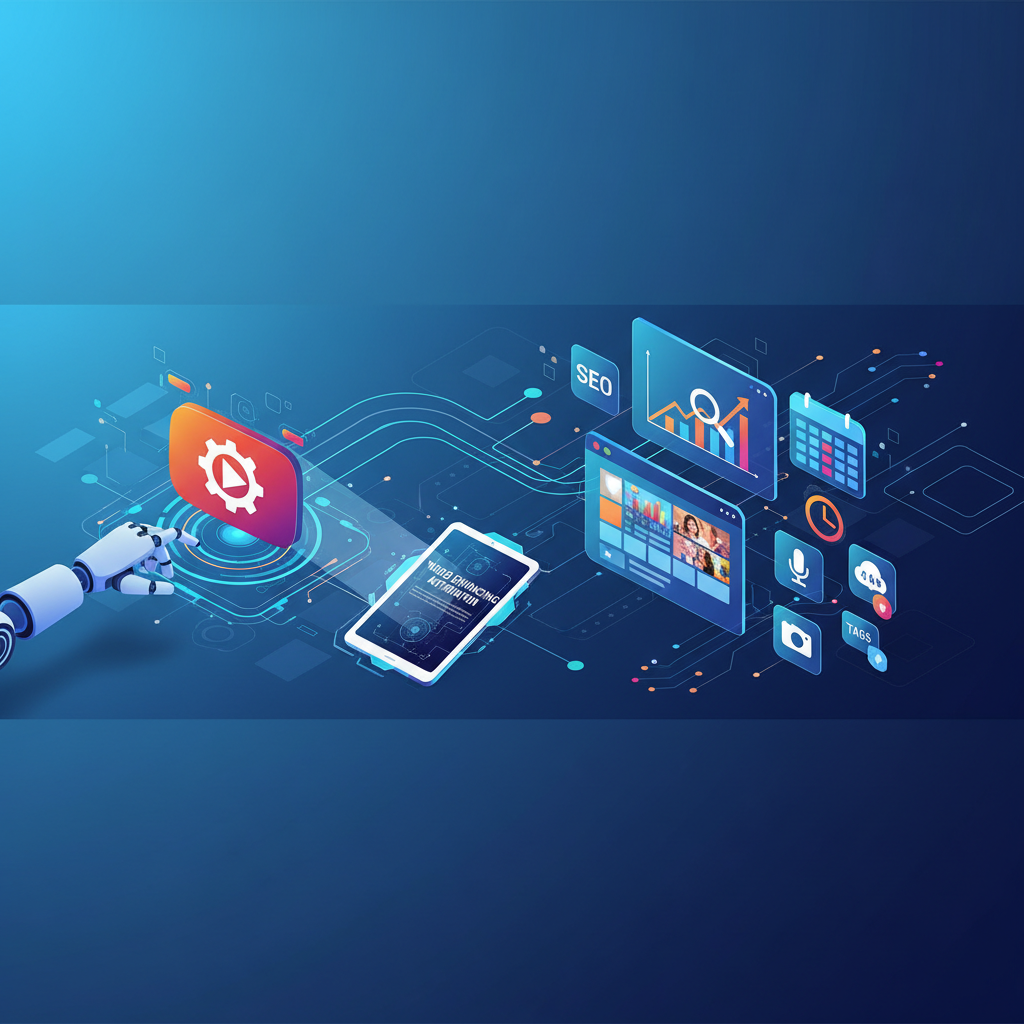
Unlocking the Power of Automated Video Optimization and Scheduling
Imagine spending hours crafting the perfect YouTube video only to find it buried under the algorithm's vast ocean. Many creators face this setback, often leading to frustration and burnout. But here's the truth: knowing how to automate YouTube video optimization and scheduling can transform your content strategy, allowing you to reap the rewards of increased visibility and engagement without sacrificing your time. This isn't just about efficiency; it's about leveraging technology to outsmart the competition and carve out your space in the digital landscape.
Automated video optimization is a game changer for creators. Many YouTubers struggle with getting their videos noticed due to the sheer volume of content uploaded every minute. With over 500 hours of video uploaded every minute, standing out requires more than just great content. It demands a strategic approach where optimization is not an afterthought but a built-in part of your process. By utilizing automation, you can ensure that every video is primed to attract viewers from the moment it goes live.
Moreover, automation allows for a level of consistency and precision that's difficult to achieve manually. When your uploads are streamlined, and your SEO is on point, you create a predictable pattern of engagement that can significantly boost your channel's growth. Automated scheduling and optimization mean that even when you're not actively working, your channel is performing at its peak.
Understanding the Core of Video Automation
At its heart, video automation is about delegating repetitive and time-consuming tasks to smart systems, enabling creators to focus on what truly matters: content creation. With the rise of NoCode solutions, the barrier to entry has been lowered significantly. These user-friendly platforms allow anyone, regardless of technical expertise, to automate processes that were once manual.
Consider this: you’re a creator who uploads several videos a week. Each upload requires a title, description, tags, and other metadata, a process that can take up significant time. Now imagine an automated system that, once your video is ready, uploads it complete with all the necessary metadata optimized for search. This is not just a time-saver; it’s a force multiplier that lets you focus on quality content, knowing that the technical details are handled.
NoCode platforms like Zapier and Integromat have revolutionized this space. They allow you to create workflows – known as “zaps” or “scenarios” – that automatically perform tasks across different services. For example, once a video is edited and finalized in your editing software, these tools can automatically upload it to YouTube, apply the appropriate metadata, and even share it across your social media platforms without any additional input from you. This seamless integration is the future of content creation, turning a once laborious process into a streamlined operation.
Streamlining Video Uploads: Your First Strategy
The first actionable strategy in mastering how to automate YouTube video optimization and scheduling involves streamlining your video uploads. Start by using platforms like Zapier or Integromat, which connect your video editing software to YouTube. These tools can automatically upload videos as soon as they're rendered, applying pre-written descriptions and tags.
This not only saves time but also maintains the SEO integrity of your content. By setting parameters for different video categories, you ensure that the right tags and descriptions are applied, boosting your video's discoverability and engagement. For example, if you run a tech review channel, set up different automation workflows for product reviews, unboxings, and tutorials. Each type can have its own set of SEO parameters, ensuring your content is always optimized for its target audience.
Additionally, automation tools can help with the consistency of your uploads. Consistency is vital for keeping your audience engaged and for the algorithm to favor your channel. When your videos go live at the same time weekly, or even daily, it builds anticipation among your viewers, creating a routine viewing habit that increases watch time and subscriber loyalty. Automation ensures that this routine is never interrupted, and your content continues to reach its fullest potential.
Enhancing SEO with Automated Techniques
SEO is the backbone of online visibility. In the context of YouTube, it involves more than just good content; it requires strategic placement of keywords, engaging thumbnails, and compelling descriptions. Automating these elements involves using tools like TubeBuddy or VidIQ, which provide keyword suggestions and analytical insights to improve your video's ranking potential.
For example, TubeBuddy can suggest trending keywords and help you craft high-converting titles. It analyzes your competitors and suggests keywords that can give you an edge, helping your content appear in more searches. VidIQ, on the other hand, provides insights into how your videos are performing, which keywords are driving traffic, and what changes can be made for improvement.
By incorporating these automated tools into your strategy, you ensure every video maximizes its reach potential, driving not just views but meaningful subscriber engagement. Automated SEO also means you're constantly adapting to the best practices and trends without manually checking every detail. It's about working smarter, not harder, ensuring your content always has the best chance of success.
The Pitfalls of Poor Automation
While automation offers numerous benefits, it's not without its pitfalls. One common mistake is over-reliance on automation, leading to generic content that fails to resonate with the audience. It's crucial to strike a balance between automation and personalization.
Automation should augment your workflow, not replace the creative essence of your content. Your audience connects with the unique voice and perspective you bring to your videos, something no automated process can replicate. Therefore, while automation can handle the technical aspects, the creative touch must always be yours.
Another myth is the "set it and forget it" mindset. Regularly review and adjust your automation settings to keep them aligned with your channel's evolving goals. The digital landscape is constantly changing, and staying adaptable is key. Automation should be a dynamic tool, not a static solution. By avoiding these pitfalls, you can harness the full potential of automation without losing the personal touch that sets your content apart.
Scaling Your Automation Efforts for Greater Impact
Once you've mastered the basics of how to automate YouTube video optimization and scheduling, it's time to scale. This involves expanding your automation framework to manage multiple channels or increase video output.
Platforms like Hootsuite extend your reach by automating cross-platform promotion, ensuring your content receives maximum exposure. They allow you to schedule posts across various social media platforms, driving more traffic to your videos and expanding your audience reach.
Additionally, consider integrating advanced analytics to refine your content strategy further. Tools that provide deep insights into viewer behavior can help you adjust your content to meet your audience's needs better, all while managing these adjustments through automation. By scaling your automation efforts, you increase your productivity and channel growth potential exponentially, setting the stage for sustained success in the competitive world of YouTube content creation.
How can I start automating my YouTube video uploads?
Begin by exploring NoCode platforms like Zapier that connect your video software with YouTube. Set parameters for automatic uploads, ensuring each video is optimized with pre-set titles, descriptions, and tags.
What tools can help enhance SEO automation for YouTube videos?
Tools such as TubeBuddy and VidIQ are excellent for enhancing SEO. They provide keyword suggestions and analytics, helping you craft optimized titles and descriptions to boost visibility.
Are there risks to over-automating my YouTube processes?
Yes, over-automation can lead to a loss of personalized content, making your videos feel generic. Balance automation with creative input to maintain your unique voice and audience connection.
What advanced strategies can I use to scale automation?
Consider expanding to manage multiple channels or increasing content output. Use platforms like Hootsuite for cross-platform promotion, and integrate advanced analytics to refine your strategy.