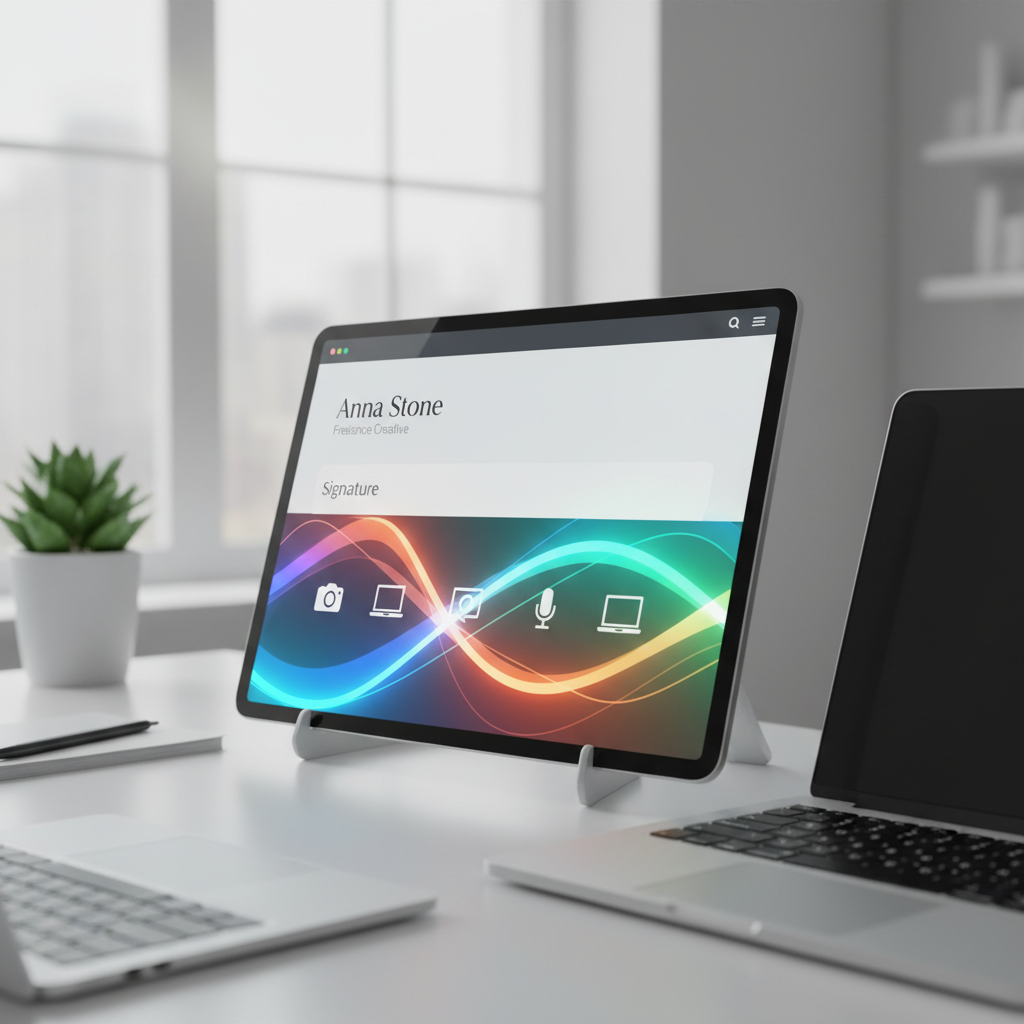
Picture this: you're a freelancer who's just landed a potential high-paying client. You've communicated well during initial meetings, but now it's time to send a follow-up email. Here’s where many freelancers stumble—crafting the perfect professional email signature. Without it, your emails lack the final touch that reinforces your brand’s identity. The good news? You can learn how to create a professional email signature for freelancers, a small yet powerful tool that could enhance your professional image and improve client engagement. In this blog, we’ll guide you through transforming your email signature from an afterthought to an asset.
Why a Professional Email Signature Matters for Freelancers
In the gig economy, first impressions are often digital. A well-crafted email signature is more than just a name and contact information; it’s a miniature business card digitally attached to every email. It clarifies who you are, what you do, and how you can be contacted. For freelancers, this is crucial. Imagine Sarah, a graphic designer who thrives on freelancing platforms. Her email signature doesn’t just list her website; it includes a portfolio link, a short tagline about her services, and a tasteful design that matches her personal brand. This not only provides clients with quick access to her work but also sets the tone for her professionalism. A strong email signature ensures that even if your email is forwarded, your contact details and brand identity remain intact, making it easier for prospective clients to reach out.
Consider the competitive landscape of freelancing. Clients often juggle multiple proposals and communications when selecting who to work with. A sleek email signature stands out in a cluttered inbox, providing a snapshot of your professional persona. It’s not just about aesthetics; it’s about functionality. Studies show that emails with professionally designed signatures are perceived as more credible and trustworthy. For freelancers, this can be the difference between being remembered or forgotten.
Additionally, an email signature acts as a subtle marketing tool. Think of every email as an opportunity to promote your services without overtly selling. By consistently presenting your brand, you build recall value, which is crucial in converting leads into clients. For Sarah, each email signature was a testament to her skills, subtly nudging prospects to view her portfolio and engage with her work. Over time, this consistent branding effort can lead to exponential growth in client engagement.
Steps to Design a Freelance-Friendly Email Signature
Ready to craft your signature? Start by listing essential details: your full name, professional title, and phone number. Next, add links to your portfolio or LinkedIn, which are invaluable in showcasing your work. Remember to keep the design simple; clutter can detract from professionalism. Tools like HubSpot’s free email signature generator can streamline this process, allowing you to focus on what matters—your content. Sarah, our freelancer, used such a tool to create a sleek signature that includes a clickable email address, ensuring clients can reach her effortlessly. Ensure your design is mobile-friendly, as over 60% of emails are opened on mobile devices. By following these steps, your signature will be both functional and visually appealing.
Now, let’s break it down a bit further. Start with your full name. While this seems obvious, it's your primary identifier. Your professional title should follow—be specific but concise. For instance, instead of just “Designer,” use “Freelance Graphic Designer Specializing in Branding.” This not only states your role but also highlights your specialty. Next, your contact number should be direct and preferably linked with an international code to facilitate global clients.
Incorporating interactive elements is the next step. Links to your portfolio, LinkedIn, or other professional profiles are critical. They serve as gateways for your potential clients to explore your work and credentials further. A portfolio link should lead to a well-curated selection of your best work, while a LinkedIn profile can provide a broader view of your experience and endorsements. Remember, each link is a step closer for a client to understanding your capabilities.
Now, let’s talk design. Keep it sleek and simple: usually, a two-color palette works best. This not only maintains a professional appearance but ensures readability across different devices. Use a font size that's not too small—preferably 10-12 points—and stick to web-safe fonts like Arial or Helvetica to ensure consistency across platforms. Finally, make sure your design is mobile-responsive. A staggering 60% of email views come from smartphones, so test your signature on multiple devices to guarantee everything looks perfect.
Tools and Resources for Creating Your Signature
Numerous online tools can help you build a standout email signature without needing graphic design skills. Canva offers customizable templates with drag-and-drop features, perfect for creating a professional look with minimal effort. Similarly, Wisestamp provides advanced options for linking social media profiles, ideal for freelancers looking to expand their network. Consider integrating branding colors and fonts to maintain consistency across your communications. Sarah opted for Wisestamp to align her signature with her website’s aesthetics, reinforcing her brand with every email she sends. Using these tools not only saves time but also ensures your signature reflects your unique professional identity.
In a sea of tools, Canva stands out for its user-friendly interface and extensive library of templates. Whether you’re a design novice or someone with a more refined aesthetic, Canva’s versatility allows you to tailor your signature to match your brand identity. Start by selecting a layout that resonates with your style, then customize it using your brand colors and fonts. Don’t forget to include essential elements like your logo or a professional headshot to add a personal touch.
On the other hand, Wisestamp is a robust tool for those who want to integrate social media seamlessly into their email signatures. It offers the ability to include dynamic elements like a latest blog post or current offers, which can significantly enhance client engagement. For freelancers like Sarah, who are keen on maintaining a consistent brand across various platforms, Wisestamp provides a cohesive solution by mirroring the aesthetics of her website in her email signature.
Other notable mentions include HubSpot’s email signature generator for a straightforward, no-nonsense approach. It provides a simple, step-by-step process to ensure you don’t miss any critical component. For those who want to automate the email signature creation process, tools like ZippySig offer bulk signature creation for larger teams, making it easier to maintain brand consistency across multiple users. Leveraging such tools not only streamlines the signature creation process but also ensures your professional identity is communicated effectively.
Common Email Signature Mistakes to Avoid
Even the simplest email signatures can go wrong. Avoid overcrowding it with excessive information or flashy elements, which can appear unprofessional or distracting. Another common error is not ensuring your links are functional. Always test them before finalizing your design. Sarah initially overlooked this step, sending out several emails with broken portfolio links, causing frustration for potential clients. Additionally, avoid overusing quotes or irrelevant certifications that do not directly relate to your freelance work. These errors can dilute your message and make your emails appear cluttered. By steering clear of these pitfalls, your email signature can effectively communicate your professionalism.
Let’s delve deeper into these pitfalls. Overcrowding your email signature with redundant details or overwhelming graphics is a common mistake. Remember, your email signature is a professional element, not a canvas for artistic expression. Stick to the essentials—name, title, contact details, and relevant links. Avoid cluttering it with unnecessary quotes or random certifications that don’t add value to your professional presentation.
Ensuring the functionality of links is crucial. Broken or incorrect links can lead to missed opportunities, as they prevent potential clients from accessing your work or contacting you easily. Always perform a test by sending emails to yourself and checking every link to ensure they direct to the correct destinations. A broken link not only reflects poorly on your attention to detail but can also frustrate potential clients.
Another mistake to avoid is the overuse of images, especially those that are not optimized for fast loading. Large images can slow down email loading times, particularly on mobile devices, leading to a poor user experience. If you choose to include a photo, make sure it’s a professional headshot and properly optimized for web use to ensure quick loading times.
Advanced Tips for Scaling Your Freelancer Brand
Once your basic email signature is set, consider adding extras to enhance your brand. Include a professional headshot to make your emails more personable. Add a call-to-action, like ‘View my portfolio’ or ‘Schedule a consultation,’ to guide recipients towards your services. For freelancers working internationally, include your time zone to eliminate scheduling confusion. Sarah took it further by integrating a dynamic calendar link, allowing clients to schedule meetings in her available slots, thereby improving her accessibility. These advanced tweaks can significantly boost the efficiency and effectiveness of your communications, setting you apart from other freelancers.
Adding a professional headshot is more than just humanizing your email; it builds trust. Clients appreciate putting a face to the name, especially in a digital world where personal connections are rare. A headshot should be clear, professional, and reflect your brand's image—be it creative, corporate, or casual.
Implementing a call-to-action (CTA) is a strategic move. It directs the recipient to your services, portfolio, or booking page, streamlining the conversion process. Use CTAs to subtly encourage engagement—phrases like “Explore My Work” or “Book a Consultation” can lead to significant increases in client interaction and subsequent business opportunities.
For freelancers with international clients, including your time zone in your signature is a thoughtful addition that streamlines scheduling communications. Avoid the tedious back-and-forth of converting time zones by clearly stating your availability in your local time. Tools like Calendly or Google Calendar can be integrated into your signature to provide clients with direct access to your schedule, making the process of booking appointments seamless and professional.
Finally, consider dynamic elements that can keep your signature fresh and engaging. This could include a rotating showcase of your latest projects or testimonials. Such dynamic content keeps your signature interesting and informative with each email you send, without requiring constant updates. These advanced tweaks not only enhance your professional image but also demonstrate your commitment to providing a seamless client experience, ultimately setting you apart in the competitive freelance marketplace.
Why is an email signature important for freelancers?
An email signature serves as a digital business card, displaying your contact information and reinforcing your brand's identity. It ensures that your professional image is consistently conveyed to clients and prospects, making it easier for them to contact you.
What should I include in my email signature?
Include your full name, professional title, contact information, and links to your portfolio or LinkedIn profile. Keep it simple yet informative, ensuring it aligns with your personal brand without overwhelming recipients with too much information.
How can I ensure my email signature is mobile-friendly?
Test your email signature on various devices to ensure it displays correctly. Use a clean design, legible fonts, and ensure any images are appropriately sized. Mobile compatibility is crucial as a significant portion of emails are read on mobile devices.
Can I use images in my email signature?
Yes, but keep them minimal and relevant. A small, professional headshot or a company logo can be effective. Ensure any images used are optimized for quick loading and display well on all devices, maintaining the signature's professional appearance.