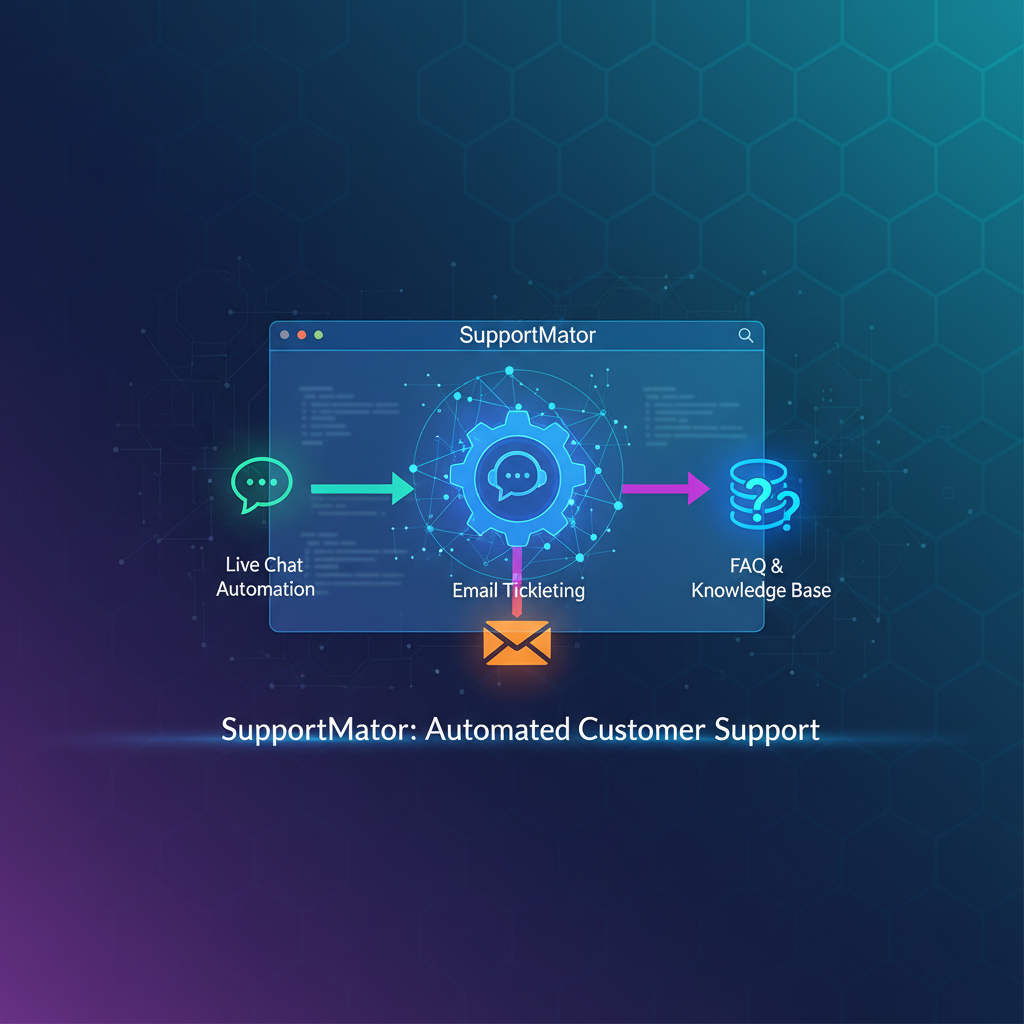
Imagine a world where your business can handle customer queries seamlessly, even while you sleep. This is not a futuristic dream—it's the reality that an automated support system can bring to your business. If you're wondering how to create an automated customer support system that truly works, you’re not alone. Many businesses struggle to manage customer inquiries efficiently, resulting in lost opportunities and dissatisfied customers. Automation offers a solution by enhancing customer engagement and streamlining communication.
Understanding Automated Customer Support Systems
At its core, an automated customer support system leverages technology to handle customer inquiries without human intervention. This doesn't mean replacing your support team but augmenting their abilities. By automating repetitive tasks, your team can focus on complex issues that truly need a human touch. For instance, a software company named TechNova implemented an automated system to handle basic queries, resulting in a 30% increase in customer satisfaction ratings. The ability to provide instant responses to common questions not only improved customer experience but also allowed their support team to concentrate on more pressing issues.
Consider the practicality of an automated support system in today's fast-paced digital environment. With an increasing number of consumers expecting immediate responses, businesses are under pressure to meet these demands efficiently. Automated systems can service inquiries 24/7, ensuring that your customers receive timely assistance no matter when they reach out. Imagine a customer experiencing an issue with your product late at night. An automated system can provide the necessary guidance almost instantly, alleviating frustration and fostering a positive brand perception.
Additionally, automated customer support systems are not limited to answering just frequently asked questions. They can be programmed to perform various tasks such as directing inquiries to appropriate departments, scheduling appointments, and even processing transactions. This versatility enhances the customer experience by providing seamless, end-to-end service.
Step-by-Step Guide to Creating an Automated Support System
To start building your automated support system, first identify the types of inquiries you frequently receive. This could range from account setup questions to troubleshooting issues. Once identified, classify these queries and create a comprehensive FAQ section that can be accessed through a chatbot or online helpdesk. Use tools like Zendesk or Freshdesk to set up your automated responses. These platforms allow you to craft personalized, automated responses that mimic human interaction. Implementing these tools effectively can significantly reduce your response time and improve overall efficiency.
Begin by conducting a thorough analysis of your customer interaction history. This involves reviewing past communications to identify common themes and issues. Once you have this data, categorize the inquiries into distinct groups. For example, you might find that a large percentage of inquiries relate to product usage, account creation, or payment processes. With these categories in hand, develop a library of responses tailored to address each specific type of query.
Next, choose the right platform to host your automated support system. Platforms like Zendesk and Freshdesk are excellent choices because they offer robust tools for creating and managing automated responses. These platforms allow you to design workflows that guide customers through a series of predefined steps based on their inquiries. This not only streamlines the support process but also ensures consistency in the information provided to customers.
Once your system is set up and integrated, conduct a series of tests to ensure it operates smoothly. Simulate various customer scenarios to identify any potential issues or gaps in the responses. Gathering feedback from your team and even a sample group of customers can be invaluable in refining the system before full deployment.
Utilizing Automation Tools for Enhanced Customer Engagement
While setting up the system is crucial, choosing the right automation tools can make all the difference. Platforms like Intercom and Drift offer advanced features such as triggered email responses and personalized messaging, which are key to engaging customers effectively. Consider a retailer who utilized Intercom's automated messaging feature to notify customers about order updates. This not only kept the customers informed but also reduced the number of inbound inquiries about order status by 45%. By strategically using these tools, you can enhance the customer journey and maintain a high level of engagement.
The selection of the right tools goes beyond basic functionality. You need tools that integrate seamlessly with your existing systems, including CRM platforms, to provide a unified customer support experience. Intercom, for example, offers integration capabilities that enable you to pull up customer data in real-time, allowing for more personalized and informed interactions.
Additionally, leverage the power of analytics offered by these platforms. They provide insights into customer behavior, frequently asked questions, and even the effectiveness of your automated responses. By analyzing this data, you can continually refine your approach and make data-driven decisions that improve customer satisfaction. For instance, if you notice that a particular type of inquiry is repeatedly coming up, you might consider enhancing your product documentation or FAQs to address these concerns proactively.
Automation tools also offer personalization features that can significantly enhance customer engagement. Customizing the interaction based on customer data—such as their purchase history or previous interactions—creates a more personalized experience that can increase customer loyalty and satisfaction.
Common Mistakes to Avoid When Implementing Automation
One of the most common mistakes businesses make is over-automating their support system. While automation is powerful, it can't replace human empathy and understanding. Avoid creating a system that feels robotic or unresponsive to customer needs. For example, if a customer needs to speak with a human, ensure there is a streamlined process for them to do so. Another pitfall is neglecting to update your automated responses regularly. Customer needs evolve, and your system should too. Regularly review and tweak your responses to ensure they remain relevant and effective.
Avoid the temptation to automate everything. It's crucial to strike a balance between automation and human interaction. Some customer inquiries require the nuance and empathy that only a human can provide. Being able to seamlessly transition a customer from an automated system to a human representative is critical. Consider implementing a 'human fall-back' option where customers can request to speak to a support agent if the automated system does not meet their needs.
Another common mistake is failing to train your team on the new system. Even though the system automates many functions, your team still plays a critical role in managing and optimizing it. They need to understand how to monitor its performance, make necessary adjustments, and step in when human intervention is needed.
Moreover, businesses often overlook the importance of constantly updating their support system. As your products and customer needs evolve, so should your automated responses. This requires regular audits of your system to identify outdated information and areas for improvement. Incorporating customer feedback into these updates can provide valuable insights into how your system can better serve your customers.
Advanced Tips for Scaling Your Automated Support System
Once your basic automated system is in place, consider integrating AI and machine learning for more advanced interactions. AI can help predict customer needs based on their behavior and previous interactions, allowing for even more personalized responses. For example, incorporating AI can help a service provider proactively offer solutions before a problem is even reported, enhancing the customer experience further. Additionally, as your business grows, ensure your system is scalable. Choose platforms that can handle increased traffic and complexity without compromising performance.
Scaling your automated support system involves not just handling more inquiries but enhancing the quality of interactions. AI and machine learning bring a new level of sophistication to customer support. They can analyze patterns and detect anomalies that a traditional system might miss, providing insights into potential issues before they become widespread problems.
Moreover, integrating AI allows for dynamic response generation. Instead of relying solely on pre-set responses, AI can generate responses based on the context of the inquiry and previous interactions, making the conversation feel more natural and less scripted. This capability is particularly beneficial for managing complex or nuanced customer issues that do not fit neatly into a predefined category.
Additionally, consider leveraging AI for sentiment analysis. This technology can assess the tone of customer interactions to gauge satisfaction levels, enabling your team to intervene when necessary to prevent potential dissatisfaction. As your customer base grows, maintaining personal, attentive service becomes more challenging, but AI assists in maintaining these high standards at scale.
Finally, as you plan for growth, ensure that your infrastructure can support increased demand. This involves not only choosing scalable platforms but also optimizing processes and resources to handle a larger volume of interactions efficiently.
What are the benefits of creating an automated customer support system?
An automated customer support system helps in delivering quick responses, reducing operational costs, and freeing up human resources to focus on complex tasks. It also improves customer satisfaction by providing consistent and timely support.
How can I ensure my automated support system remains effective over time?
Regularly update your knowledge base and automated responses to reflect changes in your products or services. Gather customer feedback to identify areas of improvement and adjust your system accordingly.
Is it necessary to use a specific platform for automation?
While not mandatory, using a specialized platform like Zendesk or Freshdesk can streamline the setup and management of your automated support system. These platforms offer features tailored to different business needs.
Can automation handle all types of customer inquiries?
Automation is best suited for handling routine, repetitive inquiries. Complex queries that require human understanding and empathy should still be directed to a customer service representative.