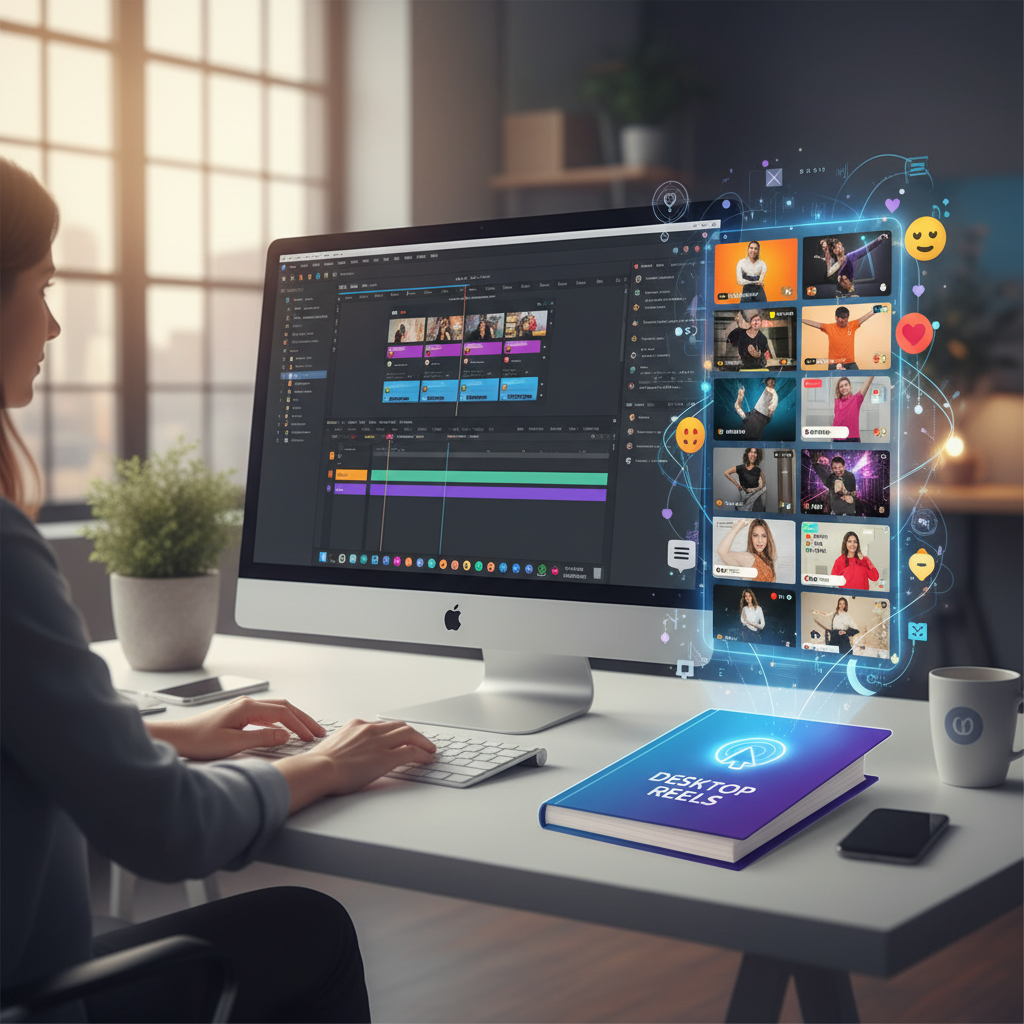
In the age of social media, vertical videos have become a staple for content creators aiming to capture the attention of mobile-first audiences. But simply shooting a vertical video isn't enough to go viral. The real challenge lies in knowing how to edit vertical videos for virality. This is where mastering the editing techniques can set your content apart, transforming it from just another clip into a shareable masterpiece. In this blog, we will explore the core strategies to edit vertical videos effectively, ensuring they don't just reach an audience but capture it.
The Importance of Vertical Video Editing
Vertical videos have redefined the way audiences consume content, especially on platforms like Instagram, TikTok, and YouTube Shorts. But why is editing so crucial? Well, vertical videos bring unique challenges and opportunities. Unlike traditional horizontal formats, vertical videos must engage viewers quickly and fit seamlessly into the mobile viewing experience. For instance, consider the last viral video you saw. Chances are, it wasn't just the raw footage that caught your eye, but the strategic cuts, effects, and engaging narrative.
Editing breathes life into your content, making it visually appealing and emotionally resonant. Without professional editing, even the most compelling footage can fall flat, missing the chance to connect with the audience. Understanding editing's role in this context means you can adapt your strategy for maximum impact, leveraging every second of viewer attention. According to a 2023 study by eMarketer, mobile video consumption continues to rise, with vertical video being the preferred format for over 70% of users. This statistic alone underscores the necessity of editing skills tailored to vertical formats.
Moreover, the algorithmic nature of social media platforms rewards content that keeps viewers engaged longer. Proper editing can help you maintain viewer interest through pacing and storytelling, increasing the likelihood of your video being promoted by algorithms. Think of editing as the secret ingredient that turns raw footage into a delicacy that not only captures attention but also retains it, encouraging viewers to share and interact.
Mastering Basic Editing Techniques
Before diving into advanced strategies, it's crucial to nail the basics. Start by choosing the right editing software. Popular options include Adobe Premiere Pro, Final Cut Pro for Mac users, and even mobile apps like InShot or KineMaster for on-the-go editing. Understanding your toolset is the first step. With an estimated 3.8 billion smartphone users worldwide, mobile-friendly editing tools are more relevant than ever.
Once equipped, focus on structuring your video with a clear start, middle, and end. Hook your audience in the first three seconds with a compelling visual or question. A recent study by Wistia found that videos that engage viewers in the first few seconds see up to 34% higher retention rates. Use jump cuts to maintain a fast pace and eliminate any filler content. Don't underestimate the power of sound; adding the right background music or sound effects can significantly enhance the emotional pull of your video.
Consider this: a culinary tutorial video with sharp cuts and upbeat music will keep viewers engaged far more effectively than a static, monotonous clip. These elements, while fundamental, lay the groundwork for creating videos that are not just watched but remembered and shared. Additionally, tools like InShot offer simple interfaces for adding text overlays and filters, ensuring your content looks polished even from a mobile device.
Advanced Editing for Viral Potential
Once you've mastered the basics, it's time to incorporate advanced techniques that elevate your video's viral potential. Utilize motion graphics and text overlays to convey messages quickly and effectively, as viewers often watch videos without sound. According to a HubSpot report, 85% of Facebook videos are watched without sound, making subtitles and text overlays essential.
Additionally, color grading can transform the mood of your footage, making it stand out. Imagine a travel vlog with vibrant, lush colors—it's visually more engaging than a flat, unedited clip. Experiment with effects like slow motion or speed ramping to create dramatic moments that captivate viewers. These techniques can make mundane activities appear cinematic, leveraging emotional engagement.
Moreover, consider A/B testing different versions of your video to analyze which edits drive more engagement. Platforms like TikTok provide analytics that can inform your editing choices. For example, a version with brighter colors or faster cuts might perform better than another with a different approach. These strategies not only enhance the aesthetic quality of your videos but also play a pivotal role in how audiences interact with and share your content.
Avoiding Common Editing Pitfalls
Even seasoned editors can stumble into common pitfalls that hinder a video's success. One major mistake is over-editing. Adding too many effects or transitions can make your video feel cluttered and detract from the main message. As the saying goes, "less is more," especially in the fast-paced world of social media. Similarly, inconsistency in style or tone can confuse viewers. It's essential to maintain a cohesive look and feel throughout.
Another error is neglecting mobile optimization. Given that most vertical videos are consumed on smartphones, ensure that text and graphics are legible on small screens. A Nielsen study found that 79% of users hold their phones in portrait mode, reinforcing the need for mobile-friendly design. Finally, don't disregard the importance of storytelling. A well-edited video still needs a narrative arc to keep viewers engaged. By avoiding these missteps, you can maintain the integrity and effectiveness of your edited work.
Consider utilizing templates or style guides to ensure consistency across your content. This could involve setting brand colors, fonts, and typical transitions used. This approach not only saves time but also establishes a recognizable brand identity for your audience.
Scaling Your Video Editing Skills
As you become more confident in your editing abilities, consider scaling your skills to handle more complex projects or higher volumes of content. This might involve automating certain editing tasks or using templates to streamline your workflow. Automation tools, like Adobe's customizable scripts, can drastically reduce editing time while maintaining quality.
For those looking to expand their reach, collaborating with other creators can offer fresh perspectives and shared audiences. Tools like collaboration platforms and cloud storage can facilitate this process, allowing seamless workflows and increased productivity. Google Drive or Dropbox can be indispensable for sharing large video files without compromising quality.
To deepen your expertise, consider enrolling in courses focused on advanced editing techniques or digital marketing, such as our "Desktop Reels" course, which provides comprehensive strategies for video virality. Scaling your skills not only boosts your own content's potential but also opens doors for freelance opportunities or collaborations with brands. With platforms like Fiverr and Upwork, skilled editors can find lucrative projects and expand their professional network.
Related: You might also find this useful: How to Make Vertical Videos Go Viral: The Ultimate Guide
Related: You might also find this useful: How to Generate Leads with Short-Form Videos: A Complete Guide
Related: You might also find this useful: Maximize Reach with Vertical Video Strategies: A Complete Guide
Related: You might also find this useful: How to Make AI Influencer Videos Go Viral: A Complete Guide
Related: You might also find this useful: Mastering How to Edit Vertical Videos for Facebook and YouTube
Related: You might also find this useful: Key Strategies for Vertical Video Virality on Facebook
What software is best for editing vertical videos?
The best software depends on your needs and budget. Adobe Premiere Pro and Final Cut Pro offer advanced features for professional editing, while mobile apps like InShot are great for quick edits.
How can I make my vertical videos more engaging?
Focus on a strong opening, use engaging graphics, add music or sound effects, and ensure your content is mobile-friendly. Experiment with storytelling techniques to keep viewers hooked.
Why is storytelling important in video editing?
Storytelling gives your video a narrative arc, making it more engaging and memorable. It helps viewers connect emotionally, increasing the likelihood of shares and discussions.
How do I keep my editing style consistent?
Establish a style guide for your videos, including fonts, color schemes, and transitions. Consistency in these elements creates a recognizable brand and enhances viewer experience.