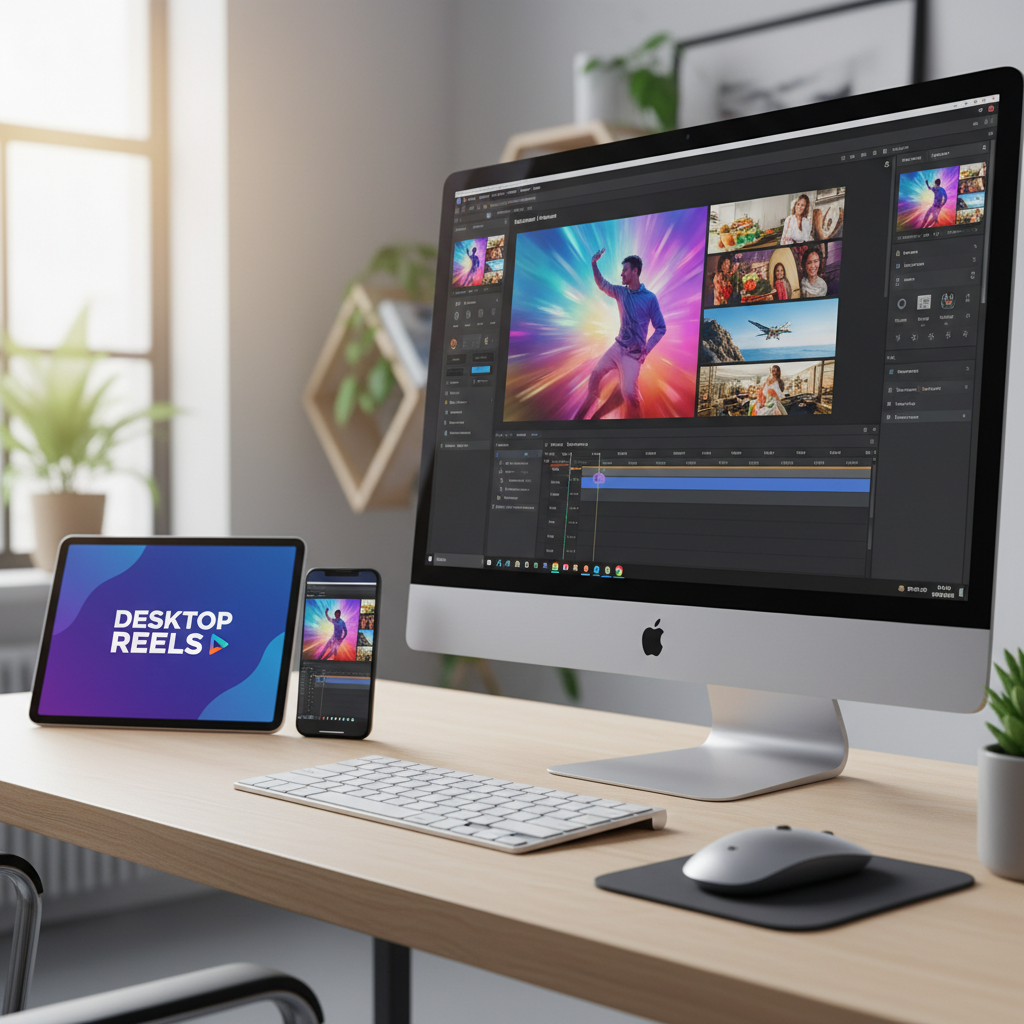
Have you ever wondered how to master vertical video production on desktop so you can create content that goes viral? With more than 1 billion hours of video watched on YouTube daily, the need for compelling vertical videos is skyrocketing. Yet, many creators struggle with adapting their skills to a desktop environment. The good news? It's not as complicated as it seems. In this guide, we’ll break down practical steps to help you become a vertical video production pro right from your desktop, unleashing your potential to reach millions.
Understanding Vertical Video Production
Vertical video production isn't just a passing trend—it's a fundamental shift in how audiences consume content. With the surge in mobile usage, platforms like Snapchat and Instagram have popularized vertical formats, encouraging brands and creators alike to follow suit. But what does mastering vertical video production involve? It’s not just about flipping your camera. You need to consider composition, storytelling, and viewer engagement. Take, for example, a simple cooking tutorial. In a vertical format, close-up shots of ingredients and cooking processes are brought to life, capturing the viewer's attention more intimately than horizontal formats can.
The core of vertical video production lies in understanding the behavior of your audience. Statistics show that over 75% of video consumption happens on mobile devices, where vertical orientation naturally fits the screen. This means that creators who embrace vertical formats can increase viewer retention rates substantially. A study by MediaBrix discovered that vertical videos have a 9x increase in completion rates over traditional horizontal videos. This indicates that not only are viewers more engaged with vertical content, but they are also more likely to watch it all the way through.
Furthermore, vertical video production allows for a more personalized viewer experience. Consider a travel vlog; showcasing breathtaking landscapes in a vertical frame can create a sense of immediacy and immersion, making viewers feel as if they are part of the journey. By focusing on the nuances of vertical production—like ensuring the subject is always in focus and the frame isn't cluttered—you can significantly enhance the storytelling aspect of your videos, ensuring that your content resonates on a deeper level with your audience.
Crafting Engaging Vertical Videos: Step-by-Step
Creating engaging vertical videos begins with understanding your audience. Who are they, and what do they love to watch? Start by outlining your video’s purpose—whether it’s to inform, entertain, or inspire. Once your content is planned, ensure your filming setup is optimal. Use a tripod for stability and natural light to enhance video quality. Next, think about the first few seconds of your video; they are crucial for capturing attention. Tools like Adobe Premiere Pro can be invaluable, offering pre-set vertical video templates that make editing easier and more efficient for desktop users.
Once you’ve got your setup ready, focus on the script and storyboard. These tools are essential in ensuring your message is clear and concise. A well-crafted script will guide the video flow and help maintain engagement throughout. As you craft your script, keep in mind the power of storytelling. Use a hook at the beginning to captivate your audience—perhaps with a surprising fact or an emotional opening scene. This initial hook is crucial for retaining viewers who might otherwise scroll past your content.
The next step is editing, where the magic truly happens. Editing is where you can splice your footage to build suspense, add music to evoke emotions, and insert graphics that reinforce your message. Adobe Premiere Pro’s vertical video templates are particularly useful for this, allowing you to focus on creative elements rather than technical adjustments. Don’t forget to incorporate text overlays, which not only make your content more accessible but also reinforce key points or calls to action. Remember, in the fast-paced world of vertical videos, every second counts, and concise, engaging edits can make the difference between a viewer swiping away or staying to watch till the end.
Optimizing Vertical Videos for Virality
To make vertical videos viral, focus on optimization. This involves both technical enhancements and strategic placements. Incorporate engaging elements such as text overlays, animations, and sound effects to captivate your audience. Utilize platforms like YouTube and Facebook, which are adapting features to support vertical content natively. A case study from BuzzFeed's Tasty shows how simple vertical videos amassed millions of views by optimizing their content for mobile users and sharing them across multiple social channels. For more on maximizing video reach, consider reading this post on increasing video views significantly.
Another critical aspect of optimization is understanding the role of algorithmic exposure. Platforms like Instagram and TikTok utilize algorithms that favor content with high engagement rates. This means that to increase the chance of virality, your vertical videos should be designed to provoke interaction—whether through likes, comments, or shares. Consider incorporating questions or prompts within your videos to encourage viewers to engage. Also, make use of subtitles and captions, as many users watch videos in silent mode. Adding these elements not only makes your content more inclusive but can also significantly boost watch time and engagement rates.
Lastly, timing and consistency are key elements in optimizing for virality. Analyze your audience's activity patterns and post your videos when they are most active. Consistency builds familiarity and expectation, which in turn nurtures a loyal audience base eager to consume your content. Utilize analytics tools to track performance and adjust your strategy accordingly. Successful optimization requires ongoing experimentation and adaptation, always keeping an eye on what elements generate the most response from your viewers. By strategically placing your videos and continuously refining your approach, you can greatly enhance your chances of going viral.
Avoiding Common Mistakes in Vertical Video Production
Despite the rising popularity of vertical video, common pitfalls can hinder your success. One major mistake is ignoring aspect ratio. Always maintain a 9:16 aspect ratio for vertical videos to ensure compatibility across platforms. Additionally, neglecting sound quality can detract from viewer experience. Invest in a good microphone to ensure clear audio. Avoid overcomplicating your video with excessive transitions or effects that distract rather than engage. Remember, simplicity often leads to the best viewer experience. For tips on avoiding these errors, check out our comprehensive guide on analyzing viral videos for content success.
Another frequent oversight is poor lighting. Good lighting can dramatically enhance the quality of your videos, making them more professional and appealing. Natural lighting is typically the best option, but if you're filming indoors or in low-light conditions, investing in LED lights or softboxes can be a game-changer. Position your light sources to eliminate shadows and highlight your subject effectively. Proper lighting not only improves the visual quality but also enhances the overall viewer experience.
Moreover, understand the importance of pacing. Videos with erratic pacing can confuse viewers and lead to a drop-off in engagement. Ensure that your video flows logically and maintains a steady rhythm. Practice editing techniques that maintain viewer interest, such as varying shot types and camera angles to keep the visual narrative dynamic and engaging. By paying attention to these details, you can avoid common mistakes and significantly improve the quality and effectiveness of your vertical video content.
Scaling Your Vertical Video Marketing Strategy
Once you’ve mastered the basics, it’s time to scale your strategy. Consider diversifying the platforms you use, such as expanding from YouTube and Facebook to Instagram Reels or TikTok. Use analytics tools to track performance and iteratively improve your content. Experiment with collaborations to tap into new audiences. As you grow, explore automation tools to streamline your workflow, allowing you to focus on creative aspects. For insights on leveraging automation, check out our guide on automating social media marketing.
Furthermore, consider repurposing content across different platforms to maximize reach. A single piece of content can be adapted to fit various platform specifications, allowing you to reach different audience segments without reinventing the wheel. For instance, a vertical video initially created for TikTok can be slightly modified for Instagram Stories or Reels. This approach saves time and resources while expanding your content's exposure and potential virality.
Engage with your audience actively. Respond to comments, participate in community discussions, and listen to viewer feedback. This engagement not only fosters a sense of community but also provides valuable insights into what content resonates most with your audience. Use these insights to refine your strategy further. By strategically scaling and engaging with your audience, you can transform your vertical video production into a vital component of your digital marketing efforts, driving consistent growth and success.
What software is best for editing vertical videos on desktop?
Adobe Premiere Pro and Final Cut Pro are excellent choices for editing vertical videos. They offer comprehensive tools and templates specifically designed for vertical formats.
How can I improve the audio quality of my vertical videos?
Investing in a quality external microphone is key to improving audio quality. Additionally, using editing software to fine-tune sound levels and eliminate background noise can enhance viewer experience.
What are the best platforms for sharing vertical videos?
Platforms like Instagram, TikTok, and YouTube have optimized their interfaces for vertical video formats, making them ideal for sharing and maximizing reach.
How do I choose the right video length for my audience?
Understanding your audience's preferences is crucial. Short-form content typically performs better on platforms like TikTok, while slightly longer videos can be effective on YouTube. For more guidance, read our article on choosing the right YouTube video length.