Why Streamlining Your YouTube Thumbnail Creation Process Matters
If you've ever found yourself buried under a mountain of YouTube videos, desperately trying to create captivating thumbnails that attract viewers, you're not alone. Many creators face the challenge of balancing quality with efficiency. This is where learning how to streamline YouTube thumbnail creation process becomes essential. Thumbnails are the first impression viewers have of your content, and they play a pivotal role in determining whether someone will click to watch your video. In fact, according to YouTube's own statistics, 90% of the best-performing videos have custom thumbnails.
By reducing the time spent on designing thumbnails, you can focus more on producing quality content and less on the repetitive tasks that can bog down your workflow. For instance, leveraging the right tools can transform hours of manual design into a few clicks, allowing your channel to maintain a consistent and professional look. Imagine being able to design a week’s worth of thumbnails in under an hour, freeing up more time to focus on improving video content or engaging with your audience. This efficiency not only saves time but can significantly enhance your channel’s growth, as visually appealing thumbnails are crucial for attracting viewers in the crowded digital space.
Understanding the Core of YouTube Thumbnail Automation
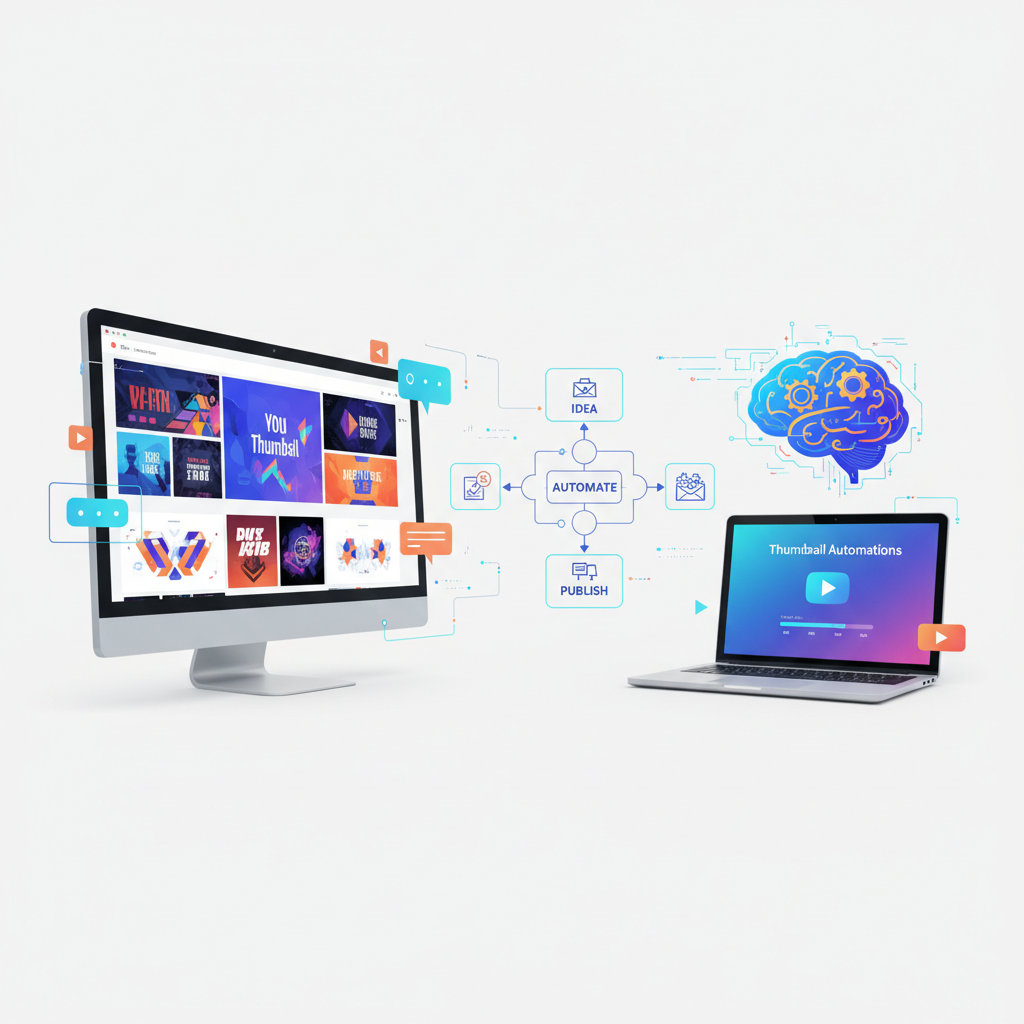
Thumbnail automation is about using technology to eliminate the manual steps traditionally involved in creating YouTube thumbnails. This concept is not just a fancy buzzword; it's a game-changer for content creators who understand its power. Imagine being able to automatically update thumbnails as soon as you upload a new video, without lifting a finger. The beauty of automation lies in its ability to consistently apply a professional touch to all your video uploads, ensuring each video gets the attention it deserves.
The key is using NoCode tools, which are platforms designed to let non-developers create automated processes. These tools connect with your YouTube account to sync and update your thumbnails seamlessly, enhancing viewer engagement through consistent and visually appealing designs. Platforms such as Zapier or Integromat can be integrated with graphic design tools like Canva to automate this process. By doing so, you ensure that your branding remains consistent across all your videos, reinforcing your channel's identity and making it easier for viewers to recognize your content.
This automation is particularly beneficial for channels that upload frequently or have large content archives that need consistent updating. By investing time upfront in setting up automation, you save significant effort in the long run, allowing your creative talents to shine where they’re most needed – in the content itself.
First Actionable Strategy: Embrace NoCode Platforms
The first step in streamlining your YouTube thumbnail creation is embracing NoCode platforms. These tools, like Zapier or Integromat, allow you to set up automated workflows without writing a single line of code. The beauty here is in the simplicity and accessibility of these platforms – you don't need to be a tech guru to automate your workflow.
Start by identifying repetitive tasks in your thumbnail creation process. Typically, this includes tasks like uploading an image, applying a template, and inserting text. With NoCode platforms, you can automate these tasks effortlessly. For example, you can create a workflow that triggers every time you upload a new video, automatically updating the thumbnail using a pre-designed template. This saves you countless hours and ensures your thumbnails are consistently engaging. Let’s say you run a weekly series; using a pre-designed template as a base, you can ensure that every episode’s thumbnail follows the same style, enhancing brand recognition.
Additionally, NoCode platforms allow for scalability. As your content volume increases, you can adjust your workflows to handle more tasks automatically, freeing up your time for strategic content planning and engagement with your audience.
Second Strategy: Effective Integration and Consistency
Integrating your YouTube channel with tools like Canva for design consistency is crucial. Consistency in your designs helps establish a brand identity that viewers can recognize at a glance. Canva offers a range of templates that can be customized and automatically integrated with your video uploads. This integration ensures that your branding elements – such as logos, colors, and fonts – are consistent across all thumbnails.
To implement this, first create a batch of thumbnail templates in Canva, focusing on elements that attract views, like bold text, high-contrast colors, and clear images. Once your templates are ready, set up an integration process that automatically applies these templates to new videos based on certain triggers, such as video tags or titles. This method not only saves time but also ensures each video maintains a consistent visual theme, critical for brand recognition. For example, if you have a series focused on tech reviews, using a consistent color palette and style for thumbnails can help viewers immediately identify your content among others.
The integration of Canva with automation tools allows for dynamic updating of thumbnails based on video performance data. For instance, if a thumbnail is not performing well, you can easily adjust and update it across all platforms without starting from scratch, further optimizing engagement.
Common Mistakes in Thumbnail Automation
While automating your thumbnails is a powerful strategy, it's not without potential pitfalls. One common mistake is over-automation, where creators rely too heavily on automation tools without reviewing the output. This can lead to generic or off-brand thumbnails that do more harm than good. Automation is meant to enhance the creative process, not replace it entirely.
Another issue is neglecting the importance of testing different designs to see what works best. What appeals to one audience might not appeal to another, so A/B testing your thumbnails can provide valuable insights. Automation should enhance creativity, not replace it. Always ensure that automated thumbnails are reviewed and adjusted as necessary to fit the specific context of each video. For instance, thumbnails for educational content may benefit from clarity and simplicity, whereas entertainment thumbnails might need more vibrant and eye-catching designs.
Additionally, be mindful of thumbnail quality. While automation can save time, it should not compromise the image resolution or the overall aesthetic appeal. Low-quality thumbnails can deter viewers just as much as poorly designed ones.
Advanced Tips for Scaling Your Thumbnail Process
Once you've mastered the basics of automation, consider advanced techniques for scaling your thumbnail creation process. One approach is to utilize data analytics to test and refine your thumbnails. Platforms like TubeBuddy offer insights into which thumbnails perform best, allowing you to tweak designs for maximum impact. This kind of data-driven approach ensures that your thumbnails are not just visually appealing but also effective in garnering clicks.
Additionally, advanced users can create dynamic templates that change based on video content or audience demographics, using APIs for real-time data integration. For example, if you know that a segment of your audience prefers certain color schemes or styles, you can adjust your templates to cater to these preferences automatically. This level of sophistication can significantly enhance your channel's appeal and user engagement, driving growth and success.
Consider incorporating AI and machine learning tools to predict which thumbnail styles perform best. These technologies can analyze past data and suggest designs that align with current trends, setting your content up for success before it's even uploaded.
What are NoCode tools?
NoCode tools are platforms that allow users to automate tasks and create applications without any programming knowledge. They provide drag-and-drop interfaces to simplify complex processes, making it accessible for anyone to create efficient workflows.
How do I connect my YouTube account with NoCode tools?
Most NoCode platforms require you to authenticate your YouTube account through their interface. This typically involves logging in and granting the platform permission to access your YouTube data, enabling seamless integration and automation.
Can I use these methods for other social media platforms?
Yes, the principles of automation can be applied to other platforms like Facebook or Instagram, using similar tools that integrate with their APIs for automation. This cross-platform capability allows for a consistent brand presence across all your digital platforms.
What if I don't have design skills?
NoCode tools and platforms like Canva offer pre-made templates and design assets. You can customize these without any prior design experience, ensuring your thumbnails are both professional and appealing. These resources make it easy for anyone to create high-quality visuals.