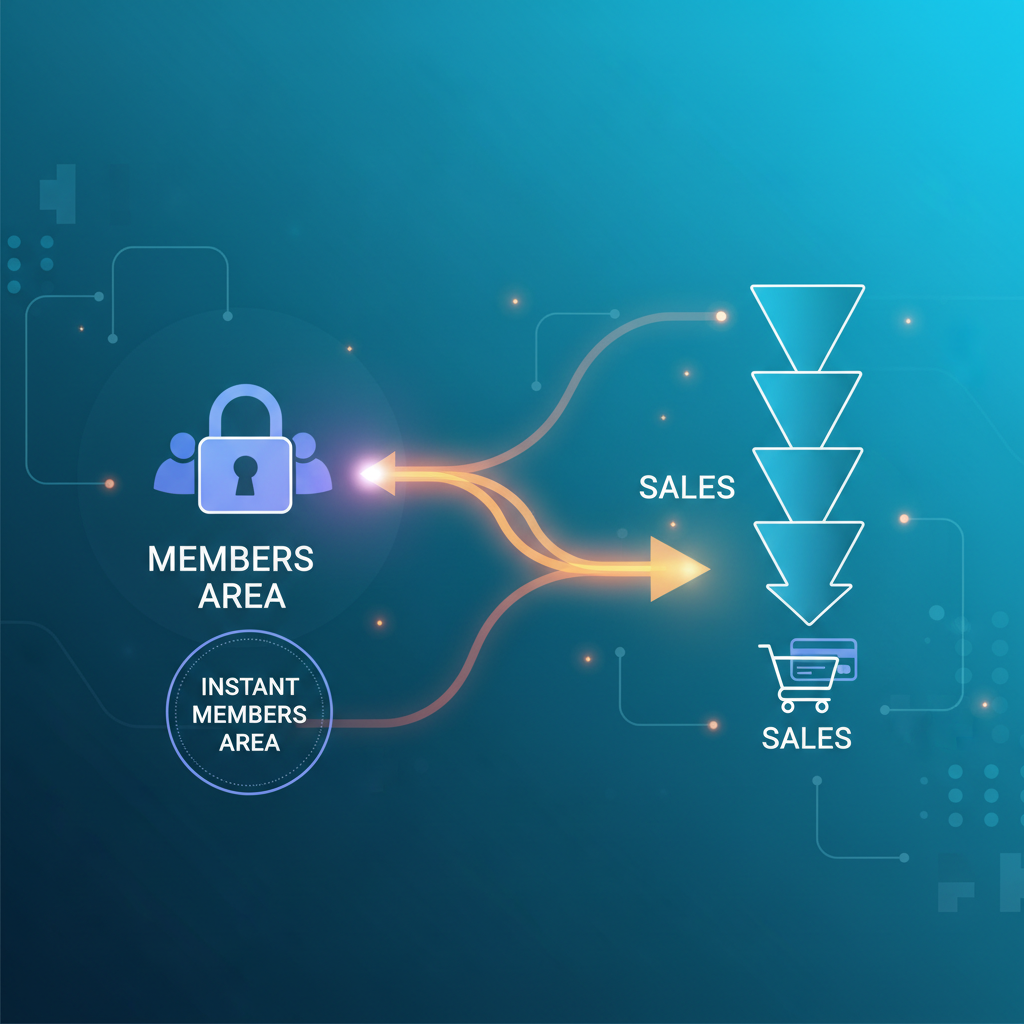
Are you overwhelmed by the complexity of setting up a members area that seamlessly connects with your sales funnel? You're not alone. Many entrepreneurs face this hurdle while trying to manage their online courses and customer enrollments efficiently. The good news is there's a straightforward way to integrate members area with sales funnel, and it won't take you all day. In this post, we'll explore how you can achieve this integration effortlessly and why it's crucial for your business success.
Understanding the Role of Members Area in Your Sales Funnel
A members area is a crucial component of any online business offering digital courses or subscription services. It serves as a dedicated space for customers to access exclusive content, interact with your brand, and manage their accounts. Think of it as your digital storefront — the more seamless and user-friendly it is, the better the customer experience. Imagine you're offering a series of digital marketing courses. Your members area acts as the hub where users sign in to access their purchased content, track their progress, and receive updates. Without a streamlined members area, customers can become frustrated, leading to higher churn rates. Therefore, integrating your members area with your sales funnel is not just a nice-to-have feature; it's a business necessity. This integration ensures a smooth customer journey from purchase to content access, enhancing user satisfaction and loyalty.
The members area also plays a vital role in building a community around your brand. By providing a space for interaction, you can encourage discussions, peer support, and deeper engagement with your content. This community aspect not only retains customers but also adds value to your offerings, making them more attractive to potential buyers. Additionally, having a well-organized members area can significantly reduce customer support requests, as users find it easier to navigate and locate the information they need. This efficiency allows you to allocate resources more effectively, focusing on growing your business rather than troubleshooting common user issues.
Steps to Seamlessly Integrate Members Area with Sales Funnel
Here's how you can achieve seamless integration between your members area and sales funnel:
1. Choose the Right Platform: Selecting a platform that supports both members area management and sales funnel creation is critical. Platforms like Kajabi, ClickFunnels, and Teachable offer built-in integrations that simplify this process. These tools are designed to work together, providing features like one-click upsells, automated email sequences, and analytics to monitor user behavior. For instance, Kajabi offers an all-in-one solution that includes website hosting, email marketing, and customer relationship management (CRM), ensuring that all elements of your online business are synergized.
2. Automate Enrollment: Use automation tools to ensure customers who purchase a course through your funnel are automatically enrolled in the members area. This can often be set up through your platform's settings, reducing manual work and errors. Automated enrollment not only saves time but also ensures immediate access for new users, enhancing their first impression and increasing satisfaction. For example, Teachable allows you to integrate with payment processors like Stripe or PayPal, triggering automatic enrollment upon successful payment confirmation.
3. Set Up a Single Sign-On (SSO): Implementing SSO allows users to log in once and access all areas of their account, including the members area, without needing separate credentials. This streamlines the user experience, reducing friction during login and decreasing the likelihood of forgotten passwords. SSO can be implemented through identity providers such as Okta or OneLogin, which connect seamlessly with your existing systems.
4. Test the Integration: Always conduct thorough testing to ensure that the integration works flawlessly. Check that after a purchase, a customer can access the members area without issues. Create test accounts and simulate the customer journey from purchase to content access. This allows you to identify and resolve any potential roadblocks before they affect real users. Regular testing should be part of your ongoing maintenance routine to adapt to software updates and changes.
Utilizing Tools and Techniques for Effective Integration
To dive deeper into integrating your members area with your sales funnel, consider leveraging specific tools and techniques.
One key tool is Zapier, which acts as a bridge to connect different software applications without needing extensive coding knowledge. For example, you can set up a Zap to automatically enroll customers in your members area after they complete a purchase through a payment processor like Stripe. This kind of automation can extend beyond just enrollment, allowing you to sync customer data between your CRM, email marketing tools, and membership platform. This ensures consistency and personalization in your marketing efforts.
Another useful technique is employing custom scripts on platforms that allow direct API access. This requires some technical knowledge but can provide more tailored integration solutions. For example, you can use APIs to synchronize user data across platforms or to pull analytics data into a centralized dashboard. Although this approach requires technical expertise, it offers unparalleled flexibility and control over your integration process.
Additionally, platforms like Kajabi offer built-in analytics to track user behavior, helping you optimize both your members area and sales funnel for better performance. By analyzing metrics such as login frequency, course completion rates, and customer retention, you can gain valuable insights into user preferences and adjust your offerings accordingly. These insights enable data-driven decisions that enhance customer satisfaction and drive business growth.
Avoid These Common Pitfalls in Integration
When integrating your members area with your sales funnel, it's crucial to avoid common mistakes that many businesses make.
The first mistake is neglecting user experience. Overcomplicating the login or access process can lead to frustrated users and increased support requests. Ensure the journey from purchase to content access is as straightforward as possible. Simplified navigation, clear instructions, and intuitive interfaces are key components of a positive user experience. Additionally, consider implementing onboarding sequences that guide new users through your platform, ensuring they understand how to access and utilize your offerings effectively.
Another pitfall is failing to regularly update and test your systems. Technology evolves, and what works today might not be as effective tomorrow. Regularly review your integration process to incorporate new features and fix potential bugs. This proactive approach not only minimizes disruptions but also leverages the latest technological advancements to enhance your system's capabilities.
Finally, overlooking customer feedback can be detrimental. Encourage users to provide feedback about their experience, and use this insight to make informed improvements. Implementing feedback loops, such as surveys or feedback forms, within your members area or through follow-up emails can provide valuable insights into user satisfaction and areas for enhancement. Analyzing this feedback helps identify and address pain points, ensuring a more effective and user-friendly system.
Advanced Tips for Scaling Your Integrated System
Once you've successfully integrated your members area with your sales funnel, the next step is to scale your operations effectively.
Start by leveraging data analytics to track user engagement and sales funnel performance. Identify patterns and trends that can inform business decisions, such as optimizing course content or adjusting sales strategies. For instance, if analytics reveal that certain courses or products are more popular, you can focus marketing efforts on these areas or explore opportunities to expand or diversify your offerings.
Another important aspect is focusing on content delivery. As your membership grows, ensure your hosting services can handle increased traffic without compromising speed or accessibility. Consider using Content Delivery Networks (CDNs) to distribute your content globally, reducing load times and improving user experience. CDNs store copies of your content on multiple servers around the world, ensuring faster delivery to users regardless of their geographic location.
Lastly, explore upsell opportunities within your members area. By integrating upsell offers, you can increase revenue without disrupting the customer journey. For example, offer advanced courses or exclusive content to existing members who have completed certain milestones or achievements. Personalized upsell strategies can significantly boost revenue while enhancing customer satisfaction by providing additional value.
For more detailed strategies, check out our post on using upsells to increase revenue without losing customers.
Related: You might also find this useful: How to Set Up a Member Area in 20 Minutes Easily
What platforms support members area and sales funnel integration?
Platforms such as Kajabi, ClickFunnels, and Teachable are known for supporting both members area management and sales funnel creation, offering seamless integration and automation options.
How does Single Sign-On (SSO) improve user experience?
SSO allows users to access multiple areas of their account with a single login, streamlining the experience and reducing the frustration of managing multiple credentials, ultimately enhancing user satisfaction.
Why is automation important in members area integration?
Automation ensures that customer enrollments and accesses are handled automatically post-purchase, minimizing manual errors and ensuring a smooth user journey from payment to content consumption.
How can I gather customer feedback for improvement?
Implement surveys or feedback forms within your members area or follow-up emails. Analyzing this feedback helps identify user issues and areas for improvement, ensuring a more effective and user-friendly system.