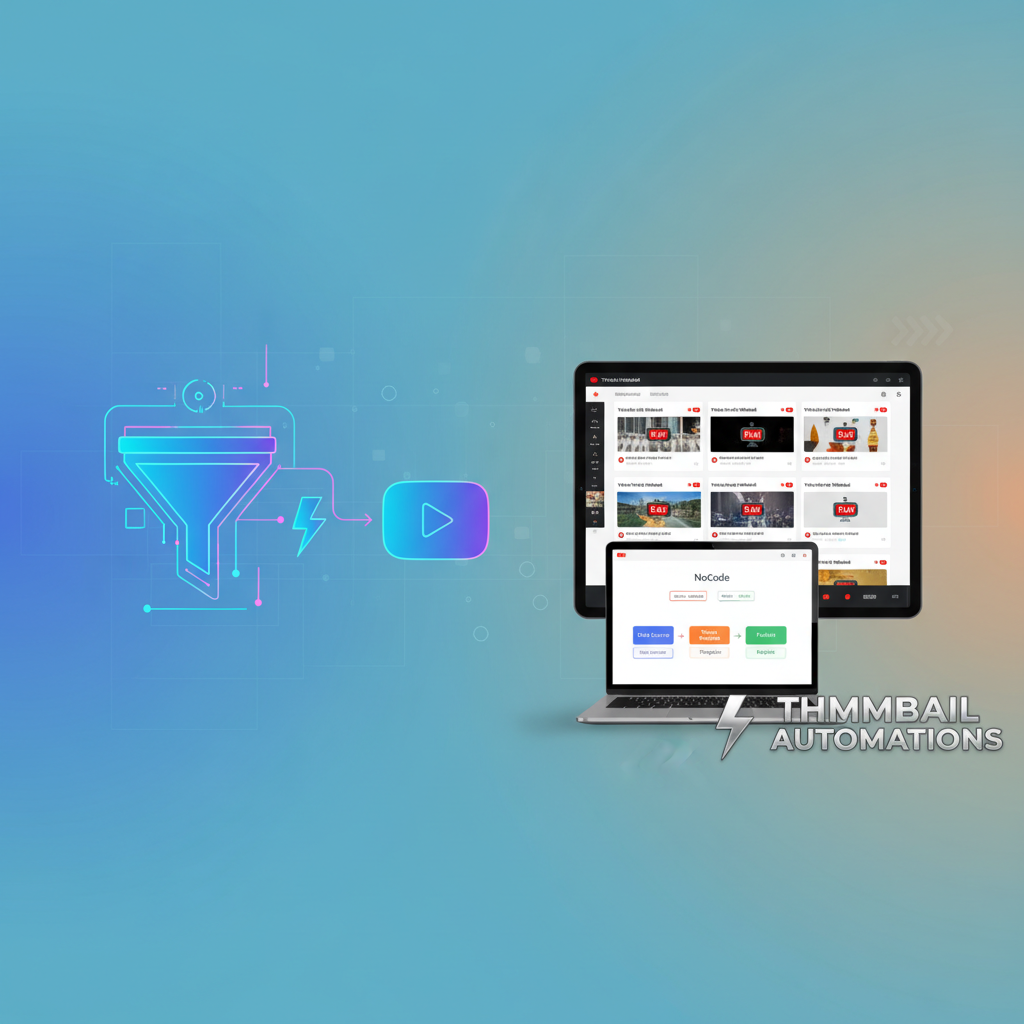
Creating eye-catching thumbnails for your YouTube videos can be a time-consuming task. You might be spending hours designing thumbnails, only to find they’re still not grabbing viewer attention. What if you could learn to automate YouTube thumbnails effectively, making your process seamless and freeing up time for more creative pursuits? This post explores how you can harness the power of NoCode systems to transform your thumbnail game, ultimately boosting your channel’s performance and presence.
Understanding Thumbnail Automation and Its Importance
The concept of thumbnail automation might seem futuristic, but it’s very much present-day magic for YouTube creators. Essentially, it refers to using automation tools to streamline the creation and updating of your video thumbnails without needing to manually engage in complex design tasks. Imagine having a system that automatically generates thumbnails based on your pre-set criteria, ensuring your content is always visually appealing and consistent. For example, a creator with a tech-review channel might use automation to quickly update the thumbnails of their latest gadget reviews, maintaining brand consistency and saving hours of manual editing.
Why does this matter? Thumbnails are the gateway to your content. A well-designed thumbnail can significantly improve click-through rates, drawing viewers into your videos. According to YouTube's own statistics, 90% of the best-performing videos have custom thumbnails. As algorithms often favor videos with higher engagement, optimizing your thumbnails can indirectly boost video visibility. This process, when automated, allows creators to focus their energies on content creation itself and on strategies to grow their audience, such as developing a YouTube content plan for startups effectively as explored here. Furthermore, automation can help maintain a cohesive visual theme across your entire channel, reinforcing brand recognition and professionalism.
Step-by-Step Guide: Automating Thumbnails with NoCode
Ready to dive into the practicalities? Automating thumbnails with NoCode involves a few strategic steps. First, select a NoCode automation tool that suits your needs. Tools like Zapier or Integromat are popular choices that integrate well with YouTube APIs. Start by setting up a template for your thumbnails that includes dynamic elements, such as video titles, that can be updated automatically. For instance, you might use a design tool like Canva to create a base template featuring a bold title area, space for a central image, and your channel's logo.
Next, create a workflow in your chosen NoCode platform. This workflow will pull data from your YouTube uploads and apply it to your thumbnail template. Here’s how you can set it up: Once a video is uploaded to your channel, a trigger in your NoCode tool detects the upload and retrieves the video title and description. This information is then mapped to text placeholders in your thumbnail template. For instance, you can automate the inclusion of key video details like title and thumbnail background, ensuring each video’s visual presentation is fresh and relevant. This automated process not only saves time but also maintains consistency across your uploads, a factor critical for branding and viewer recognition.
Additionally, integrate tools like Google Drive or Dropbox to store your images and video screenshots, which can be pulled automatically into the design. By linking these tools, your workflow updates thumbnails with the latest imagery and text, ensuring each video always has a vibrant, up-to-date thumbnail ready to capture attention.
Leverage Tools for Enhanced Thumbnail Creation
Beyond basic automation, advancing your thumbnail strategy involves using specific tools that enhance your design quality. Canva, for instance, offers a user-friendly interface and a range of design templates that can be integrated into your automation setup. By using Canva’s API with a NoCode tool, you can automatically populate your thumbnail designs with new graphics and text elements each time you upload a video. This can be especially useful for channels that frequently post content and need to maintain a consistent visual style without repetitive manual work.
Moreover, consider using analytics tools to track how your thumbnails are performing. With tools like TubeBuddy or VidIQ, you can analyze which styles and designs lead to higher engagement. For instance, TubeBuddy's 'Click Magnet' tool provides insights into which thumbnails are attracting the most clicks, allowing you to refine your designs and potentially incorporate those insights into your automation workflow, ensuring your thumbnails are not just automated but also optimized for performance. This data-driven approach means you're constantly improving based on real viewer interactions, keeping your strategies aligned with audience preferences.
Common Mistakes to Avoid in Thumbnail Automation
While automation offers many benefits, there are pitfalls you need to avoid. One common mistake is over-relying on templates without customization. It's crucial to ensure that your thumbnails, although automated, still capture the essence and unique elements of each video. For example, if your channel covers a variety of topics, a one-size-fits-all thumbnail may not serve each video effectively. Instead, incorporate elements that highlight the specific video content, such as thematic colors or unique imagery that’s relevant to the subject.
Another misstep is ignoring the importance of testing. Not all designs will work for every audience, and failing to test your thumbnails can result in missed engagement opportunities. Utilize A/B testing to see which thumbnails are more effective at attracting clicks. This can be done by releasing two versions of a thumbnail for a video and monitoring their performance. Also, avoid neglecting the quality and relevance of the images used. Automation should enhance, not replace, thoughtful design choices. This means continually updating your templates and images to reflect current trends and audience preferences. By steering clear of these errors, your automated thumbnails will serve as an effective tool in drawing viewers to your content.
Advanced Automation Techniques for Scalable Success
Once you’ve mastered the basics of automation, consider scaling your efforts for greater impact. Implement A/B testing into your workflow to determine which thumbnail designs yield the best results. This can be done by creating multiple thumbnail variations and tracking their performance metrics. Through platforms like Google Analytics, you can gain insights into which thumbnails correlate with increased video views and longer watch times, allowing for continuous refinement of your design approach.
Moreover, explore integrating your thumbnail automation with broader digital marketing strategies. For example, your automated thumbnails can be part of your cross-platform promotions, ensuring consistent branding across channels like Facebook, Instagram, and TikTok. This not only maintains brand integrity but also amplifies your content's reach. Additionally, you can incorporate these strategies into your broader content automation efforts, such as streamlining faceless YouTube content creation for efficiency, as discussed here. By continually refining and expanding your automation practices, you keep your channel competitive and compelling. Leveraging tools like Hootsuite or Buffer can aid in scheduling and posting your content to various platforms, making sure your brand and message are consistently delivered.
Related: You might also find this useful: Learn How to Automate Business Operations Effectively Today
Related: You might also find this useful: Master How to Automate YouTube Thumbnails with Unique NoCode System
Related: You might also find this useful: Create Automated YouTube Thumbnails with NoCode Tools in Minutes
What is thumbnail automation?
Thumbnail automation involves using tools to automatically generate and update thumbnails for YouTube videos, saving time and enhancing visual consistency. By automating this process, creators can focus more on their content while ensuring that their videos are presented in an appealing and professional manner.
How can NoCode tools help in thumbnail automation?
NoCode tools allow you to set up workflows that automate thumbnail creation without programming knowledge, integrating with design tools and YouTube to streamline processes. These tools democratize access to automation, enabling creators of all technical backgrounds to enhance their productivity.
Why are automated thumbnails important for YouTube channels?
Automated thumbnails save creators time and ensure consistent, appealing designs that can improve click-through rates and overall engagement on videos. As a primary visual cue, thumbnails directly impact a viewer's decision to watch a video, making them a critical component of video marketing strategies.
What tools are recommended for automating YouTube thumbnails?
Tools like Zapier and Canva are recommended for setting up thumbnail automation processes, allowing for dynamic design updates with each new video upload. These platforms provide flexible solutions that can be tailored to meet a variety of creative and operational needs.