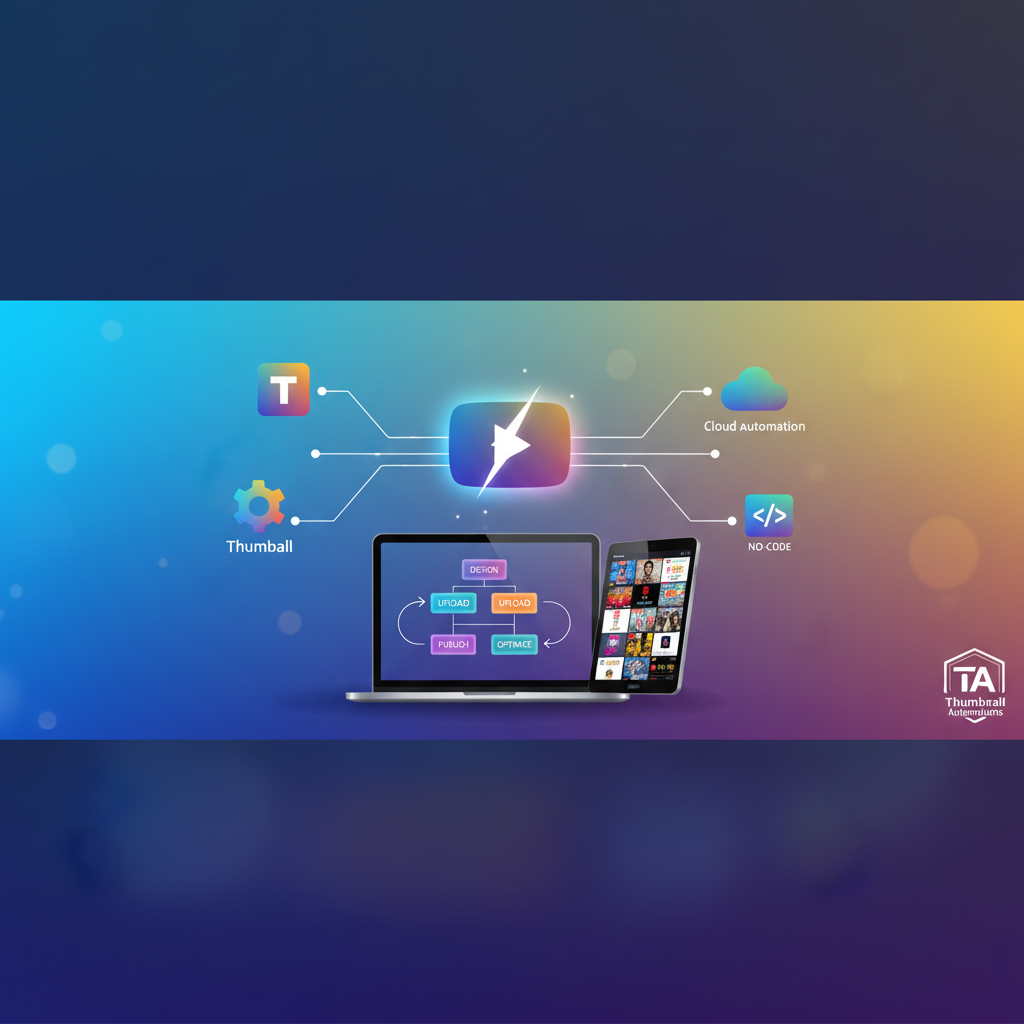
Have you ever found yourself spending countless hours crafting the perfect YouTube thumbnail, only to realize it's eating away at the time you could spend creating content? This is a common issue for many creators, but the solution is closer than you think. By mastering no-code automation for YouTube thumbnails, you can drastically cut down on the time spent on this repetitive task. Imagine a world where your thumbnails are automatically generated, freeing you to focus on what truly matters—creating engaging content. In this post, we'll explore how this can be your reality.
Understanding No-Code Automation and Its Importance
No-code automation is revolutionizing the way content creators manage their workflows. At its core, it involves using tools that allow you to automate tasks without needing any programming skills. This is particularly valuable for YouTube creators who juggle multiple tasks, from scripting to filming to editing. Consider Jane, a budding YouTuber who struggled with maintaining a consistent upload schedule due to the time-consuming nature of thumbnail design. By adopting no-code automation, she was able to streamline her process, doubling her productivity without compromising on quality.
The real power of this approach lies in its ability to enhance efficiency and consistency. YouTube is a highly competitive platform where thumbnails play a crucial role in attracting viewers. A well-designed thumbnail can increase viewer curiosity and click-through rates significantly. Automated systems ensure that your visual branding remains consistent across all videos. This not only saves time but also enhances your channel's professional appearance, potentially boosting click-through rates and viewer engagement.
To put it into perspective, statistics show that 90% of the best-performing YouTube videos have custom thumbnails. A consistent and professional-looking thumbnail can be the difference between a casual viewer and a lifelong subscriber. With no-code tools, creators like Jane can ensure every video she uploads is accompanied by a polished and attractive thumbnail, reinforcing her brand and enticing viewers to click.
Step-by-Step Guide to Implementing No-Code Thumbnail Automation
Ready to dive in and start automating your thumbnail creation? Here's how you can get started:
First, choose a no-code tool that integrates well with your workflow. Platforms like Canva or Snappa offer simple interfaces and pre-designed templates that can be customized to fit your brand's aesthetic. These tools are beginner-friendly and require zero graphic design expertise, making them accessible to anyone eager to streamline their thumbnail creation.
Next, utilize integration services such as Zapier or Integromat to connect your design tool with your YouTube account. This connection allows for automatic updates of thumbnails as soon as a new video is uploaded. Think of this as setting up a digital assistant that takes care of thumbnail uploads while you focus on producing content. With these integrations, as soon as your video goes live, your thumbnail updates instantly, ensuring your video is presented in its best light from the get-go.
Once your systems are set up, create a template that reflects your brand. Use consistent colors, fonts, and imagery to ensure brand recognition. With the no-code tool, you can set parameters that automatically populate this template with video-specific details, such as titles or unique images. By doing so, you not only automate your process but also maintain a cohesive visual identity across your channel. This method of automation saves an incredible amount of time and reduces the cognitive load associated with repetitive tasks.
Exploring Tools and Techniques for Enhanced Automation
With the basics in place, it's time to explore advanced tools and techniques that can further enhance your thumbnail automation. Consider using AI-driven design tools like Adobe Spark, which offer intelligent suggestions based on your previous designs and current trends. These insights can help refine your visuals, making them more appealing to your audience.
Another valuable tool is Google’s AutoML Vision, which can assist in selecting the most engaging images for your thumbnails. By analyzing viewer data, it recommends visuals that are more likely to capture attention, increasing the likelihood of clicks. Incorporating such advanced tools into your automation process not only saves time but also optimizes your thumbnails for better performance.
Let's dive deeper into how this could work in a real-world scenario. Suppose you’re a travel vlogger; by leveraging AI insights, you can determine which imagery resonates most with your audience—be it scenic landscapes, candid moments, or cultural events. Over time, these tools can refine their suggestions based on the thumbnails that drive the most engagement, continuously improving the effectiveness of your visuals.
For more on integrating such advanced techniques, you might find our post on automating YouTube video enhancement without coding useful.
Common Pitfalls in Thumbnail Automation
While automating thumbnails brings numerous benefits, there are common pitfalls to avoid. One frequent mistake is over-relying on templates without customization. This can lead to thumbnails that feel generic and fail to stand out in a crowded feed. To prevent this, always personalize templates with unique elements that reflect the content of each video.
Another myth is that automation eliminates the need for creative input. While it streamlines the process, your creative vision remains crucial. Automation should enhance your workflow, not replace the creative process. Constantly review and adjust automated designs to ensure they align with your evolving brand and audience preferences.
Moreover, it’s essential to understand that automation is a tool that aids in consistency and efficiency but does not replace the human touch that makes your channel unique. For instance, while a template can quickly generate a thumbnail, adding a personal touch—be it a unique call-to-action or a distinct visual cue—can significantly increase a video's appeal. Remember, automation is effective when it complements your creativity and not when it replaces it.
Advanced Strategies for Scaling Your Automation Efforts
Once you've mastered the basics, scaling your automation efforts can further enhance your productivity. Consider expanding your automation to other areas of content creation, such as video editing or social media management. Many tools offer comprehensive packages that allow you to streamline multiple aspects of your workflow.
For example, tools like Buffer or Hootsuite can automate your social media posts, ensuring your content is shared across platforms at optimal times without manual intervention. Similarly, video editing software like Descript offers automation in transcribing and editing, saving hours of manual work.
Moreover, continuously monitor and analyze the performance of your thumbnails. Use YouTube Analytics to track which designs garner the most clicks and adjust your templates accordingly. This data-driven approach ensures your automation efforts are always aligned with audience preferences and industry trends.
For additional insights on maximizing engagement, check out our guide on increasing engagement with video scripts. By continuously iterating on your designs and expanding your automation reach, you can maintain a competitive edge while freeing up time for creating even more compelling content.
How does no-code automation for thumbnails work?
No-code automation for thumbnails involves using tools that allow you to create and update thumbnails without manual intervention. It typically involves pre-set templates and integration with platforms like YouTube, streamlining the process with minimal effort.
Can automation replace creativity in thumbnail design?
No, automation should not replace creativity. While it handles repetitive tasks, your input is vital to ensure each thumbnail effectively represents your content and brand. It enhances efficiency but does not substitute creative vision.
What tools are best for no-code thumbnail automation?
Tools like Canva, Snappa, and Adobe Spark are popular for thumbnail automation. They offer user-friendly interfaces and integration capabilities with YouTube, making them ideal for creators looking to streamline their design process.
Why is consistent branding important in thumbnails?
Consistent branding in thumbnails enhances recognition and professionalism. It helps viewers quickly identify your content, increasing the likelihood of clicks and engagement. Uniformity in design establishes a strong brand presence on YouTube.