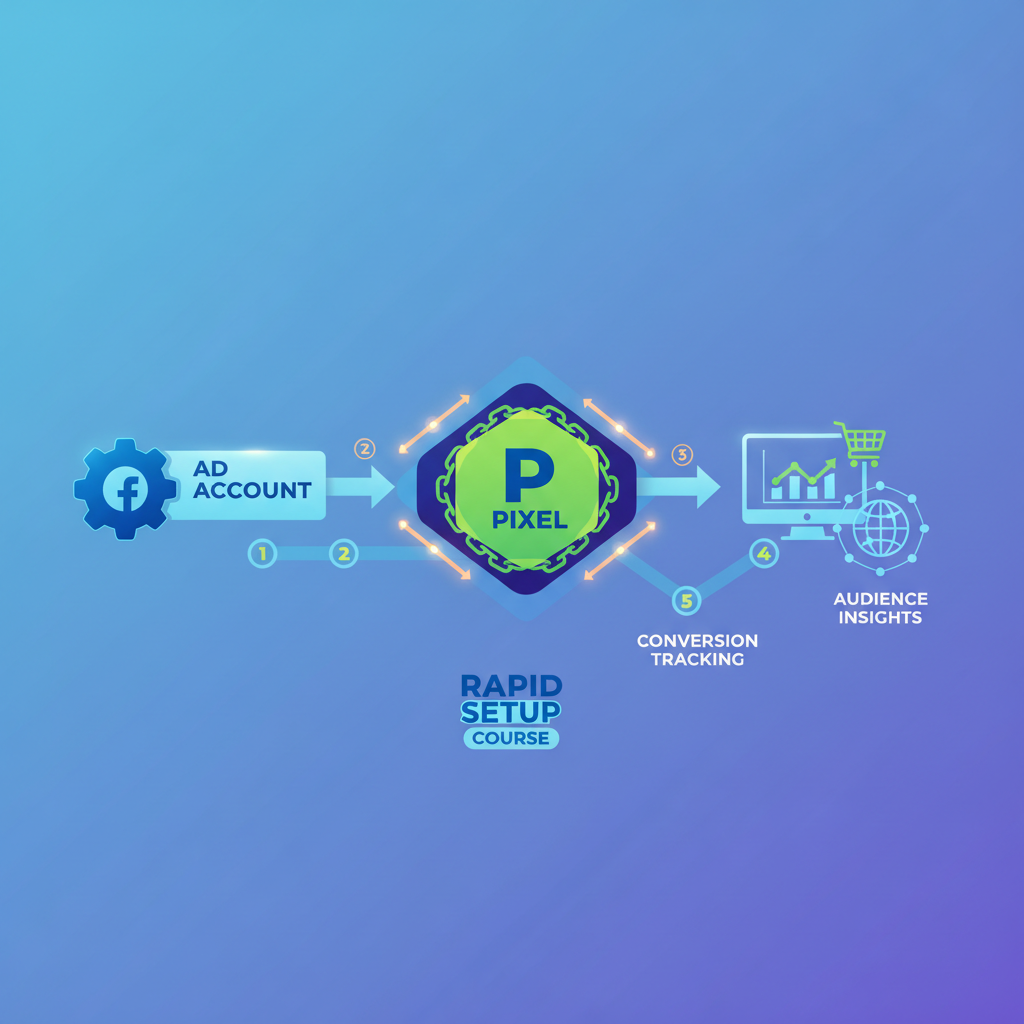
Are you struggling with setting up your Facebook ad account and pixel? You're not alone. Many entrepreneurs face this challenge. In fact, with over 10 million advertisers leveraging Facebook's vast audience, successfully setting up your ad account and pixel can mean the difference between reaching your ideal customers and getting lost in the digital noise. Our step-by-step Facebook ad account and pixel setup guide aims to clear the fog, offering you a streamlined process that puts you on the fast track to effective advertising.
Understanding the Importance of Facebook Ad Account Setup
Setting up a Facebook ad account is more than just a technical step; it's a foundational element of any digital marketing strategy. Imagine you're opening a store. Your Facebook ad account is the storefront, inviting potential customers in. Without it, your products remain hidden. A well-configured ad account ensures you can optimize campaigns, track performance, and adjust strategies. For example, consider Jane, a small business owner who saw a 30% increase in sales after setting up her Facebook ad account correctly. This setup allowed Jane to target her ideal audience effectively, minimizing ad spend while maximizing returns.
Why is this so crucial? The digital landscape is fiercely competitive; thus, an ad account acts as a bridge connecting you to your audience. It offers customization options, such as setting demographic targets, scheduling ads, and budgeting, which are essential tools for any marketer. Proper setup also allows access to advanced analytics and insights about audience engagement and ad performance. This kind of data is invaluable for making informed decisions. Remember, the more streamlined your ad account setup, the more efficiently you can run targeted campaigns that resonate with your audience.
Step-By-Step Facebook Ad Account and Pixel Setup
Let’s dive into the heart of the process. First, create a Business Manager account, your central hub for managing ads. This step is crucial because Business Manager centralizes all your Facebook marketing assets, making it easier to manage multiple ad accounts and pages.
Once registered, navigate to the Ads Manager and click on 'Create Ad Account'. Enter your business details accurately, as this will influence how your ads are billed and viewed. It's vital to ensure these details align with your business's official records to avoid discrepancies that might affect your account's functionality. Consider using a business email for this setup to maintain professionalism and security.
Next, integrate your payment method to ensure your campaigns run without a hitch. Facebook accepts various payment methods, including credit cards, PayPal, or direct debit, depending on your country. Make sure to choose a method that aligns with your business's financial management practices. Having a reliable payment method ensures your ads won't be interrupted, which is crucial for continuous campaign performance.
Finally, navigate to the Events Manager to set up your Facebook Pixel. This pixel is a small piece of code that you place on your website to track visitors and conversions. It’s crucial for understanding user behavior and optimizing ads. The Facebook Pixel tracks actions taken on your site, such as page views, purchases, and form submissions. This data can be used to retarget visitors and optimize future ad content. For a detailed guide on building essential digital infrastructure, you can refer to our post on building a website in 30 minutes.
Common Mistakes in Facebook Ad Account and Pixel Setup
Mistakes in setting up your ad account and pixel can cost time and money. One common error is entering incorrect business details, leading to billing issues and ad approval problems. This might seem minor, but incorrect information can cause significant headaches in terms of billing and ad delivery.
Another mistake often made is neglecting the pixel setup. Without it, you're flying blind, unable to track conversions effectively. Imagine launching a campaign without knowing which ads are driving sales. This scenario is a reality for many who overlook the pixel. Misconfiguring pixel events, like adding the pixel code to the wrong pages, can also skew data, leading to misinformed decision-making. Therefore, ensure that your pixel is correctly installed across all relevant pages of your website, and that it tracks the necessary events (e.g., purchases, sign-ups).
Understandably, these errors are easy to make, but they can severely impact campaign success. It's wise to cross-check your setup meticulously or consult resources that help you avoid these pitfalls, such as our guide on automating email series with AI tools for precise campaign management. In case of any errors or difficulties, Facebook's Help Center and community forums are excellent resources for troubleshooting.
Advanced Tips for Scaling Your Facebook Ads
Once your account and pixel are properly set up, scaling becomes the next frontier. Start by experimenting with lookalike audiences to reach new prospects similar to your current customers. Lookalike audiences are a powerful tool provided by Facebook that allows you to expand your reach to people who are similar to your existing audience, thereby increasing the likelihood of engagement and conversion.
Additionally, leverage dynamic ads to automatically show the right products to potential customers. Dynamic ads pull product information directly from your catalog and display relevant content to users based on their interests, enhancing personalization and relevance.
Use A/B testing to refine your campaigns progressively, honing in on what truly resonates with your audience. A/B testing involves running two versions of an ad to determine which one performs better. This method helps in understanding what kind of content, imagery, or messaging works best with your audience.
Crafting engaging content that captures attention is crucial. For inspiration, explore techniques on crafting engaging short-form videos. Videos are particularly effective on Facebook given their higher engagement rates compared to static posts. Scaling isn't just about spending more; it's about spending smart and iterating your strategy based on data-driven insights.
Related: You might also find this useful: How to Quickly Set Up Facebook Ad Account with Pixel
Related: You might also find this useful: Master Strategies to Test Facebook Ad Audiences Effectively
Related: You might also find this useful: How to Quickly Link Facebook Pixel to Funnel Setup
Related: You might also find this useful: How to Set Up Facebook Ads Account with Pixel Fast
Related: You might also find this useful: How to Set Up Facebook Pixel Without Hassle
Related: You might also find this useful: How to Set Up Facebook Ads Account and Pixel Efficiently
Related: You might also find this useful: How to Troubleshoot Facebook Pixel Setup Issues Quickly
Related: You might also find this useful: Master How to Quickly Install Facebook Pixel on Website
What is the Facebook Pixel, and why is it important?
The Facebook Pixel is a piece of code for your website that helps you track conversions from Facebook ads, optimize ads, build targeted audiences, and remarket to leads. It provides critical data for understanding how users interact with your site, allowing you to make informed decisions to enhance your advertising strategy. The Pixel also enables advanced targeting options, such as retargeting website visitors with relevant ads, which can significantly boost your return on ad spend.
How can I ensure my Facebook ad account is set up correctly?
Always double-check the business details during setup, ensure your payment methods are up to date, and verify your Facebook Pixel installation. Regularly review your Ads Manager and Events Manager for any discrepancies or alerts that might indicate setup issues. Keeping your business information, payment details, and pixels up-to-date is essential for smooth ad operations. Periodic checks and updates ensure that you are leveraging the full potential of Facebook's advertising ecosystem.
How does a well-setup ad account impact my business?
A correctly set up ad account allows you to effectively target your audience, optimize your ad spend, track performance, and make data-driven decisions, ultimately leading to better ROI. Businesses with well-setup accounts often see increased engagement and conversion rates. By having a well-structured ad account, you not only improve your campaign performance but also gain insights that contribute to the long-term growth of your business.
What steps should I take if I encounter errors during setup?
If you encounter errors, consult Facebook’s Help Center first for troubleshooting. Double-check your input details, ensure your pixel is correctly installed, and seek community advice if needed. For persistent issues, consider professional consultation or resources like our AI tool guide for strategic insights. Persistent errors might require deeper investigation, and professional help can provide tailored solutions to ensure your campaigns run smoothly.