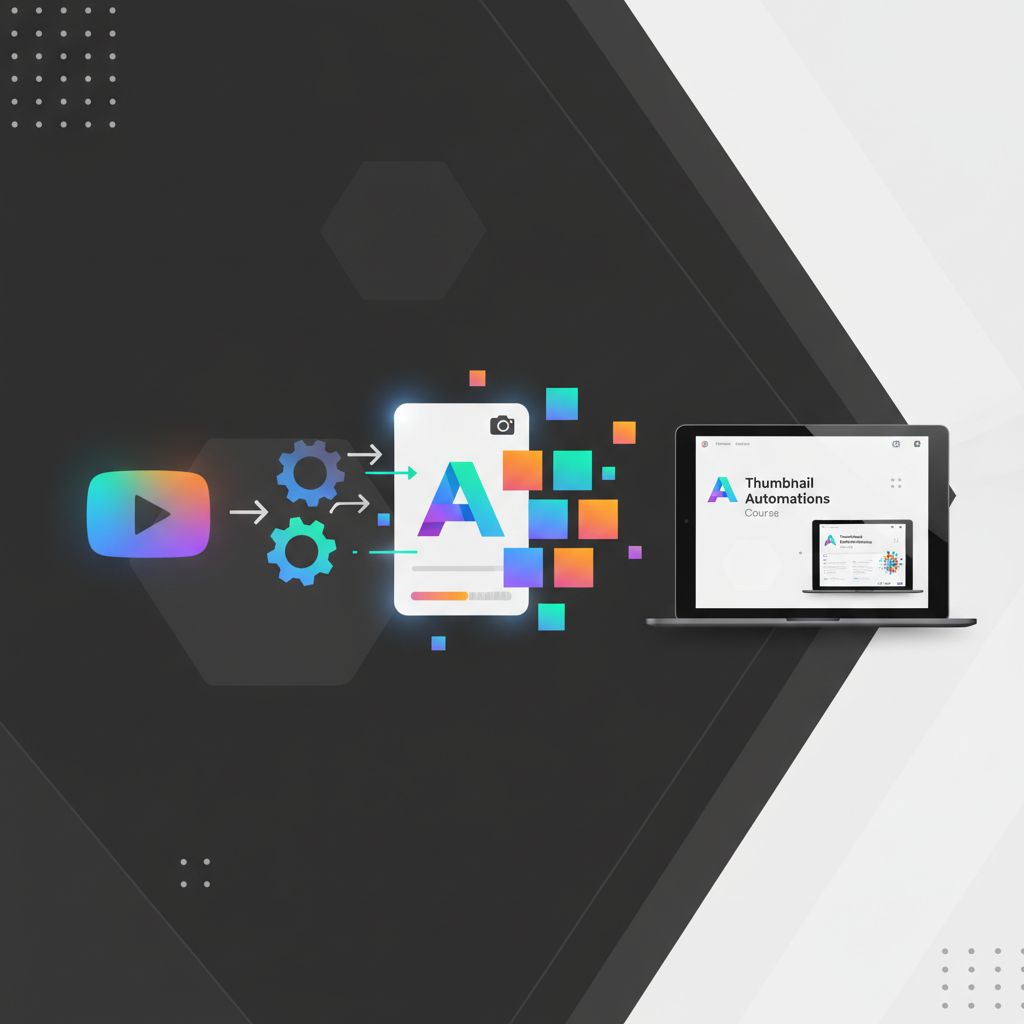
Why Automating YouTube Thumbnails Matters
Imagine spending hours crafting the perfect thumbnail for your latest YouTube video, only to find out it's not reaching your audience effectively. That's a common struggle among content creators. Time and energy are often consumed by manual thumbnail design, leaving little room for other creative pursuits. This is where the need to automate YouTube thumbnail creation process easily becomes crucial.
Automation not only saves time but also ensures consistency and quality across your channel. With thousands of videos uploaded every minute, standing out visually is more important than ever. For many creators, the thumbnail is the first impression, the hook that draws viewers in. It’s crucial to maintain high-quality visuals consistently, as viewers often decide whether to click on a video based solely on its thumbnail. According to YouTube statistics, 90% of the best-performing videos have custom thumbnails, highlighting their importance in your video strategy.
Automating this process allows you to maintain high-quality visuals without sacrificing other important tasks, like content creation or audience engagement. By reducing the manual workload, creators can focus more on scripting, shooting, and editing their videos, ensuring the content is as engaging and valuable as possible. Furthermore, it helps in maintaining a cohesive brand image across all videos, which is essential for brand recognition and viewer trust. When your thumbnails are automated yet customized to fit your brand, you can ensure that each video stands out while still retaining a signature look that your audience can recognize instantly.
Understanding the NoCode Thumbnail Automation
NoCode tools have revolutionized how non-technical users approach automation. They allow you to automate the YouTube thumbnail creation process easily without writing a single line of code. Imagine using a tool that lets you input video data and then automatically generates a thumbnail that matches your brand style.
Tools like Canva and Glorify offer templates and automation features that fit perfectly into this model. Canva, for example, provides an intuitive drag-and-drop interface that makes it simple to design aesthetic thumbnails. Glorify, on the other hand, is tailored for e-commerce and has powerful features for brand design that can be adapted for YouTube use. By connecting these tools with YouTube, creators can streamline their workflow and ensure that every new upload has a professional-looking thumbnail, automatically.
This approach not only saves time but also ensures that your thumbnails are consistently aligned with your brand, thereby enhancing your channel's visual appeal and engagement metrics. NoCode tools also allow for quick adjustments and updates, enabling you to respond swiftly to changes in marketing strategies or viewer preferences. By using NoCode automation, even those with limited tech skills can harness the power of advanced design tools, ensuring that technology and creativity go hand in hand.
Step-by-Step Guide to Automate Your Thumbnails
Let’s break down the steps to automate the YouTube thumbnail creation process easily. First, choose a NoCode platform, like Canva, that integrates with YouTube. Start by designing a template that fits your channel's aesthetic. This might include your brand colors, logos, and any recurring design elements your audience has come to associate with your content.
Make sure to include dynamic elements like video titles or episode numbers, which can auto-populate with each video upload. This ensures each thumbnail is unique while still fitting your channel’s overall look. Once your template is ready, use a tool like Zapier to connect Canva and YouTube. Zapier acts as the middleman, facilitating communication between the two platforms.
Set up a 'Zap' that triggers when you upload a new video, prompting Canva to generate a thumbnail using the data you specify. The magic happens when your thumbnail is automatically tailored with the specific video title or any unique identifiers you require. Finally, automate the upload of this thumbnail to your video, streamlining the entire process from creation to application.
This seamless process ensures that even when you’re busy creating content, your thumbnails are handled automatically, giving you more time to engage with your community. An automated system like this not only reduces the chance of human error but also ensures that your workflow is efficient and effective. By leveraging these tools, you turn what was once a manual, time-consuming task into a streamlined, automated process that supports your creative endeavors.
Choosing the Right Tools for the Job
When it comes to choosing automation tools, not all are created equal. You need something that offers flexibility and integrates well with other platforms you use. Canva, as mentioned earlier, is an excellent choice due to its robust design capabilities and integration options. Another tool worth considering is Glorify, which specializes in e-commerce design but offers powerful thumbnail automation features.
The key is to choose a tool that enhances your workflow without adding complexity. Look for features like batch processing, template storage, and API integrations. These will not only simplify your thumbnail creation but also enable you to expand your automation efforts across other tasks, such as social media management or email marketing.
Consider your specific needs: Do you require complex design capabilities, or are you looking for simplicity and speed? Tools like Canva offer a balance of both, with a vast library of templates and easy integration with platforms like YouTube and social media channels. On the other hand, if you're looking for something more specialized, Glorify could be your go-to, especially if you're also involved in product video marketing.
Furthermore, it's crucial to explore user reviews and case studies for each tool. Understanding how other creators have leveraged these tools can offer insights into how you might optimize your workflow. By selecting the right tools, you ensure that your thumbnail automation not only meets your immediate needs but also scales with your growing channel.
Common Mistakes to Avoid in Thumbnail Automation
Automating your thumbnail creation process can be a game-changer, but it's not without pitfalls. A common mistake is neglecting the importance of visual appeal in favor of automation speed. Never compromise on design quality just to save time. The thumbnail is often the first visual interaction with your audience; it must be compelling and aesthetically pleasing.
Another error is not customizing templates to fit different types of content; what works for a tutorial might not suit a vlog. It's important to tailor your thumbnails to the nature and mood of your content to maximize viewer retention and click-through rates. Similarly, overusing automation can lead to forgettable or generic visuals that fail to capture your audience's attention.
Additionally, ensure that your automation workflow is regularly reviewed and updated to adapt to platform changes or new design trends. Automation should enhance creativity, not hinder it. The digital landscape is ever-evolving, and staying up-to-date with design trends ensures that your thumbnails remain relevant and engaging.
By being mindful of these pitfalls, you ensure that automation becomes a valuable tool in your content creation arsenal rather than a limiting factor. Regular audits of your automated processes can help in tweaking and refining your workflow, ultimately leading to a more streamlined and effective content strategy.
Advanced Automation Tips for Busy Creators
Once you’ve mastered the basics, consider scaling your automation efforts. Advanced users can integrate AI-powered tools like Adobe Spark or use machine learning algorithms to analyze viewer data and predict which thumbnail designs maximize click-through rates. These tools can analyze past performance, identifying thumbnails that perform best and suggesting design elements that might improve future engagement.
Additionally, consider automating other repetitive tasks, such as video scheduling, to free up more of your time for strategizing content creation. Automation isn't just limited to thumbnails; integrating tools like Hootsuite or Buffer can streamline your social media posting schedule, ensuring consistency across platforms. You might even integrate tools that automate your video editing process to an extent, allowing for quicker turnaround times between shooting and publishing.
For more insights on automating related digital marketing tasks, you might explore strategies on how to automate social media marketing and create professional email signatures. Embracing these tools not only boosts productivity but also enhances the overall quality of your content, allowing you to focus on what you do best—creating engaging videos.
Exploring these advanced strategies requires effort and experimentation but can pay off significantly in terms of efficiency and effectiveness. By continuously expanding your automation toolkit, you can keep up with the fast-paced demands of content creation, leaving more room for innovation and creative exploration.
Related: You might also find this useful: Automate YouTube Thumbnail Creation for Beginners: A Simple Guide
Related: You might also find this useful: Automate AI Influencer Video Creation Process for Success
Related: You might also find this useful: Master How to Automate Thumbnail Creation for YouTube Efficiently
Related: You might also find this useful: How to Automate YouTube Thumbnail Creation Using NoCode System
Related: You might also find this useful: How to Streamline Your YouTube Thumbnail Creation Process
What is NoCode automation for YouTube thumbnails?
NoCode automation refers to using tools that allow you to automate tasks like thumbnail creation without needing to write code. This approach is ideal for content creators who want to streamline their processes efficiently.
How can automation improve my YouTube channel?
Automation improves efficiency by reducing the time spent on repetitive tasks, ensuring consistent quality, and freeing up time for creative activities. This can lead to better engagement and more time to focus on content.
Are there specific tools recommended for thumbnail automation?
Yes, tools like Canva and Glorify offer excellent features for thumbnail automation. They provide templates and integrations that make connecting with YouTube straightforward and efficient.
Can automation negatively impact my channel?
While automation has many benefits, poor implementation can lead to generic or low-quality thumbnails. It's crucial to ensure that templates are well-designed and regularly updated to align with current trends and your audience's preferences.