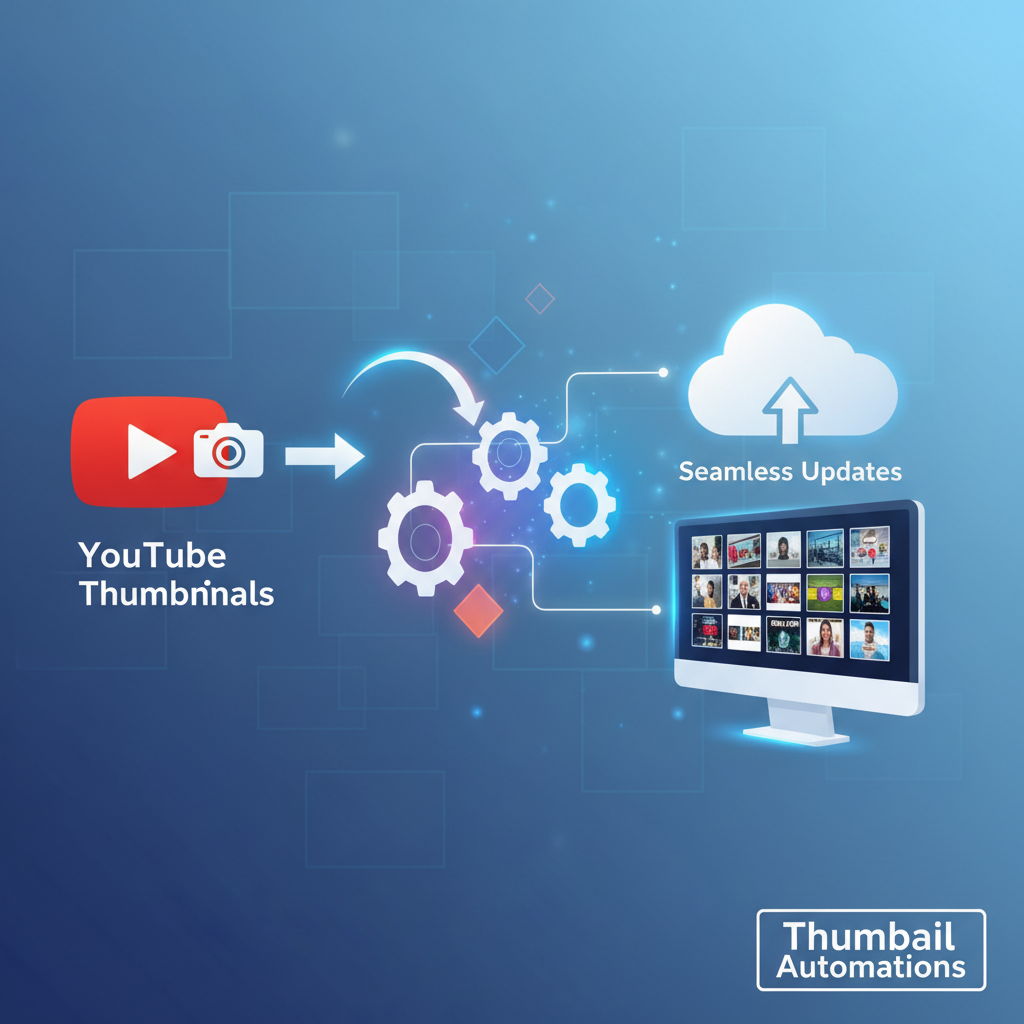
Imagine spending hours crafting the perfect video for YouTube, only to realize that the time-consuming task of updating thumbnails for each upload is draining your creativity and productivity. It's a common frustration many creators face, leading to burnout and inconsistent quality. Here's an innovative solution: how to automate YouTube thumbnail updates seamlessly. By integrating NoCode automation systems, you can focus more on content creation while ensuring your channel maintains its visual appeal and engagement.
Understanding YouTube Thumbnail Automation
Automating YouTube thumbnail updates is a game-changer for content creators. It allows you to streamline your workflow, reduce manual effort, and maintain visual consistency across your channel. Thumbnails are critical as they are often a viewer's first impression of your video. A well-designed thumbnail can increase click-through rates significantly. Imagine the scenario of a burgeoning YouTuber like Alex, who manually updates thumbnails for each video. By shifting to automation, Alex saves time and increases productivity, focusing more on content and less on repetitive tasks.
Consider the importance of thumbnails: they act as the cover of a book, enticing viewers to click and watch. According to YouTube's own statistics, 90% of the best-performing videos on the platform have custom thumbnails. This highlights the necessity of optimal thumbnail design in gaining viewer attention. Now, think about the time saved with automation. For a creator posting weekly, automating thumbnails can save several hours each month that can be redirected towards honing video content, engaging with the audience, or learning new editing skills. With automation, the daunting task transforms into a seamless component of your content strategy.
Step-by-Step Guide to Automating Thumbnail Updates
To begin your journey in thumbnail automation, first, choose a reliable NoCode platform. Tools like Zapier or Integromat can help connect your YouTube account with a design tool like Canva. Start by creating a template that reflects your brand's style. Next, set up an automation rule: whenever a new video is uploaded, the thumbnail is automatically updated with a design that includes the video's title and any other dynamic content. Continuously test and refine your template and automation to ensure seamless operation and avoid any hiccups in the process.
Let's break it down further. First, ensure you have a robust Canva template. The template should be versatile enough to accommodate titles of varying lengths and styles, ensuring consistency in design and messaging. Then, link Canva to your automation tool. Using Zapier, for instance, you can create a 'zap' that triggers the thumbnail update. When a new video is uploaded to your YouTube channel, the automation tool retrieves this data, automatically applies your Canva template, and updates the video thumbnail. This seamless process eliminates the need for manual uploads and adjustments.
Unlocking Efficiency with Integration Tools
Integrating tools like Canva into your automation process can significantly enhance efficiency. These platforms allow you to design stunning thumbnails without the need for complex software knowledge. By connecting Canva with your automation tool, you ensure each new upload gets an eye-catching thumbnail without additional manual input. A case study of a successful YouTube channel showed that using Canva templates increased their click-through rate by 25%, demonstrating the effectiveness of a well-integrated thumbnail design strategy. For more on using automation tools to streamline your online presence, visit our blog on automating social media lead generation.
Think of the integration like a well-oiled machine. Efficient systems reduce the cognitive load and operational friction, allowing creators to focus on what they do best—creating engaging content. Platforms like Canva offer intuitive design tools that can be easily updated and modified. This means that even without a graphic design background, creators can maintain a professional and appealing channel aesthetic. The power of integration lies in its ability to blend creativity and technology, optimizing processes and achieving higher engagement without the typical stress and time investment.
Avoiding Common Mistakes in Thumbnail Automation
As beneficial as thumbnail automation can be, there are pitfalls to avoid. First, never compromise on quality for speed. Your thumbnails should still be high-quality visual representations of your content. Secondly, avoid generic templates that don't resonate with your audience's interests. Each thumbnail should be tailored to reflect the unique aspects of the video it represents. Lastly, don't set and forget your automation rules—regularly review and update them to keep up with changes in your content strategy and audience preferences. Remember, a well-maintained automation strategy can keep your process efficient without sacrificing quality.
One key mistake is neglecting the 'human' element in design. Automation should enhance your creative vision, not replace it. Always incorporate elements that speak directly to your audience—cues from previous engagements, feedback, and trending styles can guide your template updates. Also, consider the evolving nature of YouTube's algorithms and viewer behaviors. Regular audits of your automation process can ensure that your strategy stays relevant and effective. This proactive approach will safeguard your channel from the pitfalls of stagnation and disconnection from your audience's evolving tastes.
Advanced Tips for Scaling Your Thumbnail Strategy
Once you have mastered the basics of thumbnail automation, consider scaling your efforts. Begin by analyzing data from your updated thumbnails to identify patterns in viewer engagement. Use these insights to tweak your templates for even better results. Additionally, explore other automation opportunities within your YouTube workflow, such as integrating video upload scheduling. For more insights, read our guide on efficient YouTube video uploads. By continuously improving and expanding your automation strategies, you can maintain a competitive edge while focusing on producing quality content.
Scaling your thumbnail strategy involves looking beyond the immediate results. Dive deep into analytics to discern what design elements are driving engagement. Are there specific colors, fonts, or image styles that correlate with higher view counts? Regularly update your templates based on these findings. Additionally, by coupling thumbnail automation with scheduled video uploads, you create a holistic content strategy that maximizes visibility and minimizes workload. This integrated approach not only boosts efficiency but also ensures a cohesive brand presence across all touchpoints.
Related: You might also find this useful: Automate YouTube Thumbnail Updates with NoCode Easily
Related: You might also find this useful: How to Integrate YouTube Account for Automatic Thumbnail Updates
What tools do I need to automate YouTube thumbnail updates?
To automate YouTube thumbnail updates, you'll need a NoCode automation tool like Zapier or Integromat, alongside a design tool such as Canva. These allow you to create templates and set rules for automatic updates.
Can automation affect the quality of my thumbnails?
Automation should not affect the quality of your thumbnails if you design high-quality templates initially. Regularly reviewing and updating these templates ensures that your automated thumbnails remain visually appealing.
Is there a risk of errors with automated thumbnail updates?
While automation tools are generally reliable, they are not infallible. Regular testing and monitoring of your automation rules can help prevent errors and ensure your thumbnails are updated correctly.
How can I ensure my automated thumbnails remain effective?
Keep analyzing viewer engagement data to refine your thumbnail templates. Adapt to changes in audience preferences and update your automation rules regularly to maintain effectiveness.