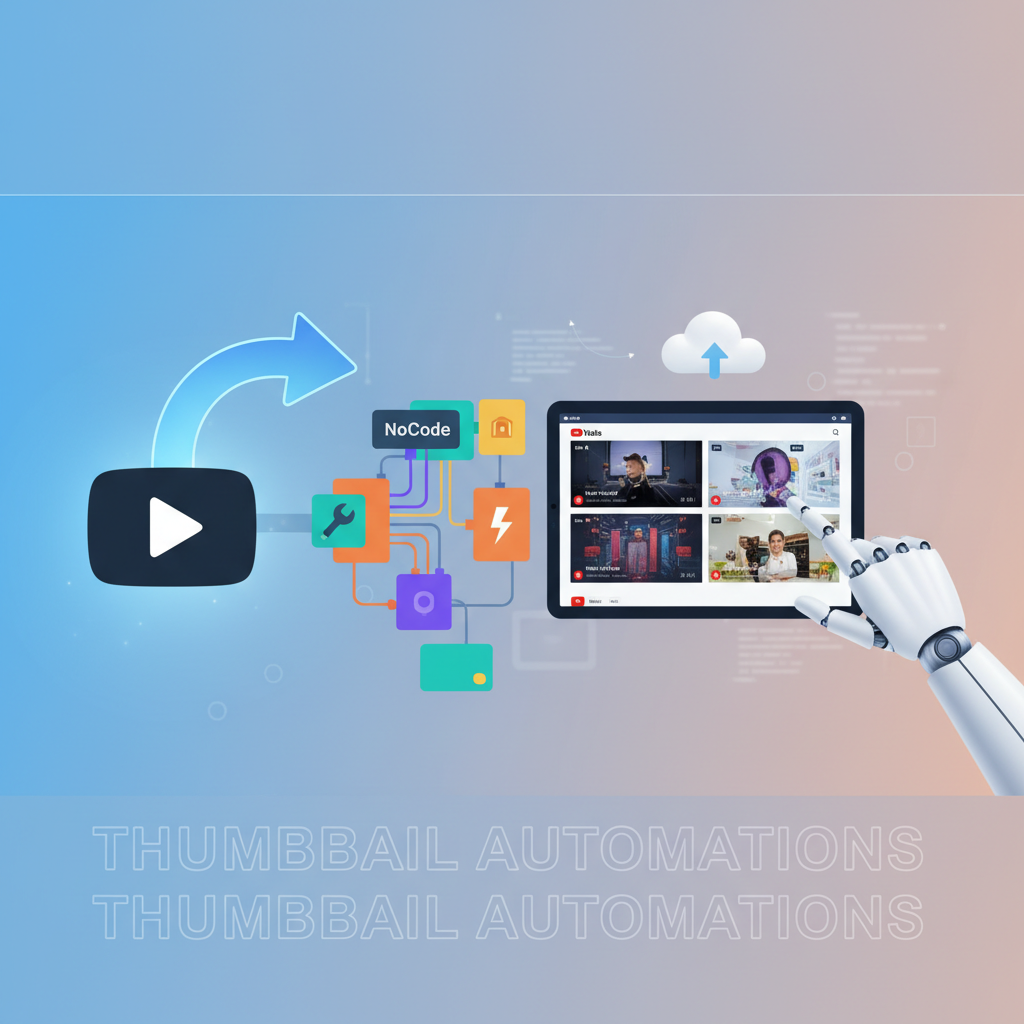
Creating engaging and visually appealing thumbnails is a critical task for YouTube creators. However, the manual process can be time-consuming and tedious. This is where automation comes in to save the day. Understanding how to automate YouTube thumbnail updates with NoCode can transform your workflow, cutting down hours of work into just a few clicks. In this guide, we'll dive into the specifics of automating your thumbnail processes, making your content marketing efforts more efficient and your channel more attractive to viewers.
Why YouTube Thumbnail Automation Matters
YouTube thumbnails are the first visual touchpoint between your potential viewers and your videos. They act as a gateway to your content. An engaging thumbnail can significantly increase your click-through rate (CTR), making your videos more popular. Thumbnails are essentially your video’s storefront window, offering a glimpse into the content and enticing viewers to click and watch. Research shows that 90% of the best-performing videos on YouTube have custom thumbnails, emphasizing their importance.
Automating this process allows creators to maintain consistency and focus on producing quality content rather than getting bogged down with repetitive tasks. Imagine uploading a video and having the perfect thumbnail generated and uploaded instantly. For example, a vlogger who uploads daily might find it daunting to continually create fresh thumbnails. This can become overwhelming, leading to burnout and potentially inconsistent branding if done manually. Automation takes this load off, optimizing both time and effort. Furthermore, consistency in thumbnail design not only strengthens brand recognition but also creates expectations that can enhance viewer loyalty and engagement.
Step-by-Step Guide to NoCode Thumbnail Automation
Automating your YouTube thumbnails might sound complex, but with NoCode tools, it's surprisingly straightforward. Start by selecting a NoCode platform, such as Zapier or Integromat, that integrates directly with graphic design tools like Canva. These platforms allow you to create automated workflows without needing any programming skills, making it accessible to everyone.
The process begins with setting up a trigger event, such as a new video upload on your YouTube channel. This event activates the workflow you set up in your NoCode tool. Next, connect this trigger to an action that generates a thumbnail based on a pre-set template in Canva. By using a consistent template, you ensure branding continuity across all videos. Templates can be customized to include your video’s title, a compelling image, and your brand’s color scheme, all automatically adjusted for each video.
Finally, the workflow completes by uploading the newly generated thumbnail back to YouTube. This seamless transition from video upload to thumbnail update is crucial for enhancing productivity. By automating these steps, you can focus more on creating engaging content without being sidetracked by the logistics of design. The simplicity and efficiency of this process are what make it a game-changer for content creators aiming to scale their operations.
Using Tools and Techniques for Optimal Results
In the realm of NoCode automation, choosing the right tools is crucial. For instance, using Canva's API with Zapier can significantly streamline the design process. Canva offers a rich library of templates and design elements, which allows creators to produce vibrant and engaging thumbnails effortlessly. With a multitude of fonts, images, and design components at your disposal, you can craft thumbnails that perfectly capture the essence of your video content.
Combine this with Zapier's automation capabilities, where you can set specific triggers and actions, and you have a powerful system at your disposal. Zapier’s intuitive interface makes it easy to drag-and-drop different actions into a coherent workflow, ensuring that even those without technical skills can manage the process effectively.
Another technique is utilizing A/B testing for thumbnails to understand which designs generate more clicks. Collect data on which thumbnail designs perform best and adjust your templates accordingly. This continuous improvement cycle will lead to better engagement rates. For instance, you could test different color schemes or messaging styles to see which resonates more with your audience. By incorporating these findings into your automated templates, you can consistently enhance your channel’s appeal and effectiveness.
Avoiding Common Pitfalls in Thumbnail Automation
Despite the benefits, there are common mistakes that creators often fall into when automating thumbnail processes. One major error is neglecting the visual branding consistency across thumbnails. Automation should not compromise the essence of your brand's visual identity. Each thumbnail should still reflect your channel's unique style and voice, helping to build a recognizable and trusted brand presence.
Another pitfall is overcomplicating the automation process with too many unnecessary steps, which can create more problems than solutions. Keep your workflow simple and focused on core actions. Overloading your process with redundant steps can lead to inefficiencies and errors, defeating the purpose of automation.
Lastly, don’t forget to regularly review and update your templates to keep up with changing trends and viewer preferences, ensuring your automation remains effective and relevant. Consider seasonal themes or trends within your niche that might influence your design choices. By staying adaptable and proactive, you can maintain a fresh and engaging channel presence that continues to attract and retain viewers.
Advanced Tips for Scaling Your Thumbnail Automation
Once you have your basic automation workflow set up, consider scaling your operations to enhance efficiency even further. Explore integrating AI-powered design tools that can analyze viewer behavior and suggest optimal designs. AI can provide insights into color preferences, text positioning, and design elements that resonate most with your audience, allowing you to fine-tune your approach for maximum impact.
Additionally, set up periodic reviews of your YouTube analytics to identify trends and insights that can inform your design strategy. Understanding your audience’s behavior and preferences is crucial for designing thumbnails that not only attract clicks but also convey the right message about your content.
Collaborating with other creators can also bring fresh perspectives and ideas for thumbnail designs, adding variety to your content. As your channel grows, consider delegating the management of these automated processes to a virtual assistant, freeing up even more of your creative time. This delegation can allow you to focus on strategic decisions and content creation, leveraging your team to maintain and enhance your automation systems.
Related: You might also find this useful: Automate YouTube Thumbnail Design with NoCode Tools Effortlessly
Related: You might also find this useful: How to Integrate YouTube Account for Automatic Thumbnail Updates
Related: You might also find this useful: Learn to Automate YouTube Thumbnails Effectively with NoCode
Related: You might also find this useful: Master How to Automate YouTube Thumbnails with Unique NoCode System
Related: You might also find this useful: How to Automate YouTube Thumbnail Updates Without Coding Easily
Related: You might also find this useful: Master No-Code Automation for YouTube Thumbnails Easily
What is NoCode automation?
NoCode automation involves using software that allows users to create applications and automate processes without the need to write code. This is particularly useful for tasks like YouTube thumbnail updates, where complex coding is not feasible for most content creators. NoCode platforms democratize technology, making powerful tools accessible to everyone regardless of their technical background.
How does thumbnail automation affect viewer engagement?
Automated thumbnails ensure consistency and professionalism, which can significantly increase your video's click-through rate. Engaging designs attract more viewers, thus enhancing engagement and channel growth. When viewers recognize your consistent branding and engaging designs, they are more likely to click on your videos, boosting your visibility and growing your audience.
Can automation handle branding consistency?
Yes, using templates ensures that your thumbnails remain consistent with your branding. Automation tools allow for easy updates to these templates, maintaining your brand's visual identity effortlessly. Consistent branding across your thumbnails helps in building trust and familiarity with your audience, reinforcing your channel's identity.
Is NoCode the best choice for beginners?
Absolutely. NoCode platforms are designed to be user-friendly, making them ideal for beginners who want to automate tasks without extensive technical knowledge. They offer an accessible entry point into automation for all creators. These platforms are crafted to minimize the learning curve, enabling creators to focus on creativity and strategy rather than technical hurdles.